E-27
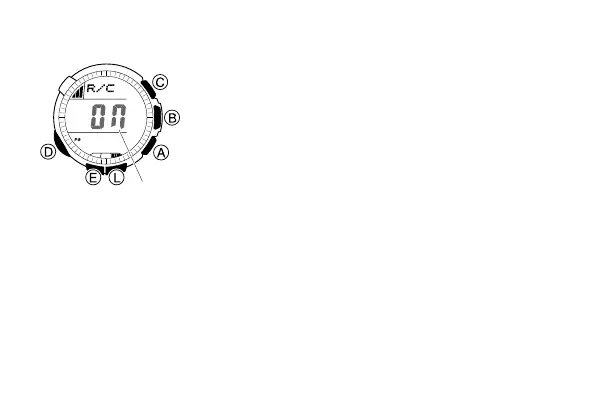
To turn auto receive on and off
1. Enter the Receive Mode (page E-10).
2. In the Receive Mode, hold down E until the
current auto receive setting (ON or OFF)
starts to flash. This is the setting screen.
• Note that the setting screen will not appear
if the currently selected Home City is one
that does not support time calibration
reception.
3. Press A to toggle auto receive on (ON) and
off (OFF).
4. Press E to exit the setting screen.
• For information about city codes that support
signal receive, see “To specify your Home City”
(page E-13).
l
l
l
l
l
l
l
l
l
l
l
l
l
l
l
l
l
l
l
On/Off
status



 To Next Page