E-126
Power Saving
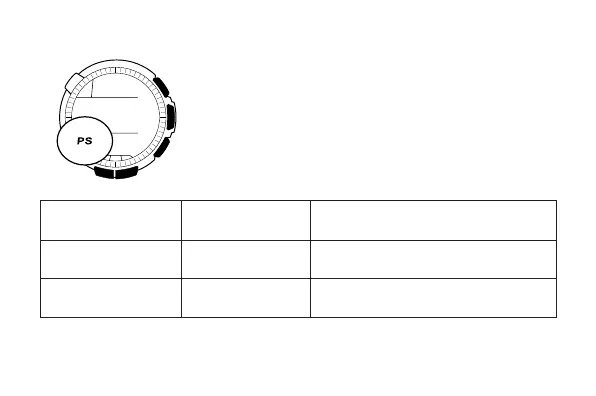
When turned on, Power Saving enters a sleep
state automatically whenever the watch is left for
a certain period in an area where it is dark. The
table below shows how watch functions are
affected by Power Saving.
• There actually are two sleep state levels:
“display sleep” and “function sleep”.
Elapsed Time in
Dark
60 to 70 minutes
(Display Sleep)
6 or 7 days
(Function Sleep)
Display
Blank, with
PS flashing
Blank, with
PS not
flashing
Operation
Display is off, but all functions are
enabled.
All functions are disabled, but
timekeeping is maintained.



 To Next Page