E-70
Saving Altitude Data
An altitude data save operation saves data in three different records: periodic
records (page E-71), a current session record (page E-72), and a historical
record (page E-75).
To start a new save session
1. Press A to enter the Altimeter Mode
(page E-11).
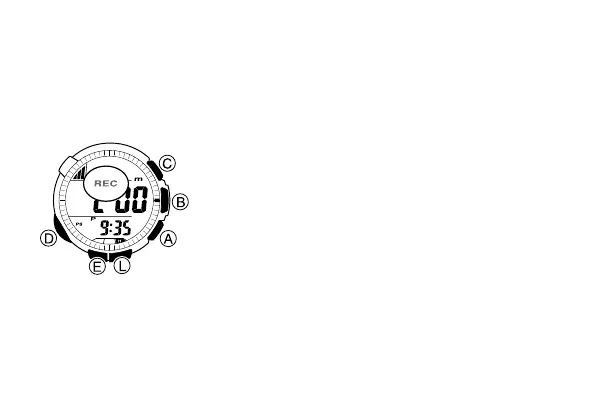
2. Hold down A for about one second until REC
flashes on the display, which indicates that a
new session is in progress.
• After you start a save session, the watch
starts saving periodic records every 15
minutes. See “Periodic Records” on page
E-71 for more information.
• During a save session the watch also periodically updates the current
session record. See “Current Session Record” on page E-72 for more
information.
l
l
l
l
l
l
l
l
l
l
l
l
l
l
l
l
l
l
l
l
l
l



 To Next Page