E-138
To calibrate the pressure sensor and the temperature sensor
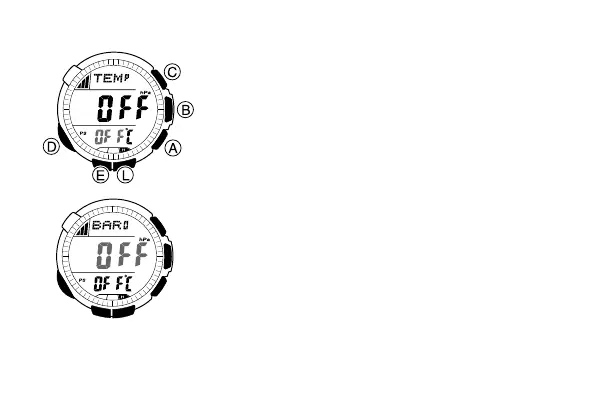
1. Press B to enter the Barometer/
Thermometer Mode (page E-11).
2. In the Barometer/Thermometer Mode, hold
down E for about two seconds until either
OFF or the reference temperature value starts
to flash. This is the setting screen.
• If you want to calibrate the barometric
pressure sensor, press D to move the
flashing to the middle display area. This is
the pressure sensor calibration screen.
• At this time, OFF or the barometric pressure
value should be flashing on the display.
l
l
l
l
l
l
l
l
l
l
l
l
l
l
l
l
l
l
l
l
l
l
l
l
l
l
l
l
l
l
l
l
l
l
l
l
l
l
l
l



 To Next Page