E-68
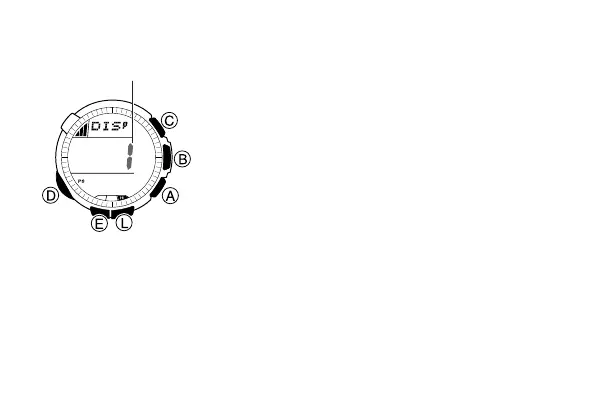
To select an Altimeter Mode display format
1. In the Altimeter Mode, hold down E for about
two seconds until either OFF or the current
reference altitude value starts to flash. This is
the setting screen.
2. Press D twice to display the format selection
screen.
• The number of the currently selected format
(1 through 4) will flash on the display.
3. Use A (+) and C (–) to scroll through the
available display format numbers (1 through 4).
• The contents of each of the Altimeter Mode
display formats are shown below.
l
l
l
l
l
l
l
l
l
l
l
l
l
l
l
l
Display Format
Selection Screen
Display format number



 To Next Page