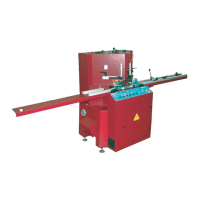
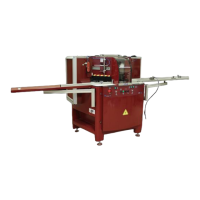
7 / STARTING UP
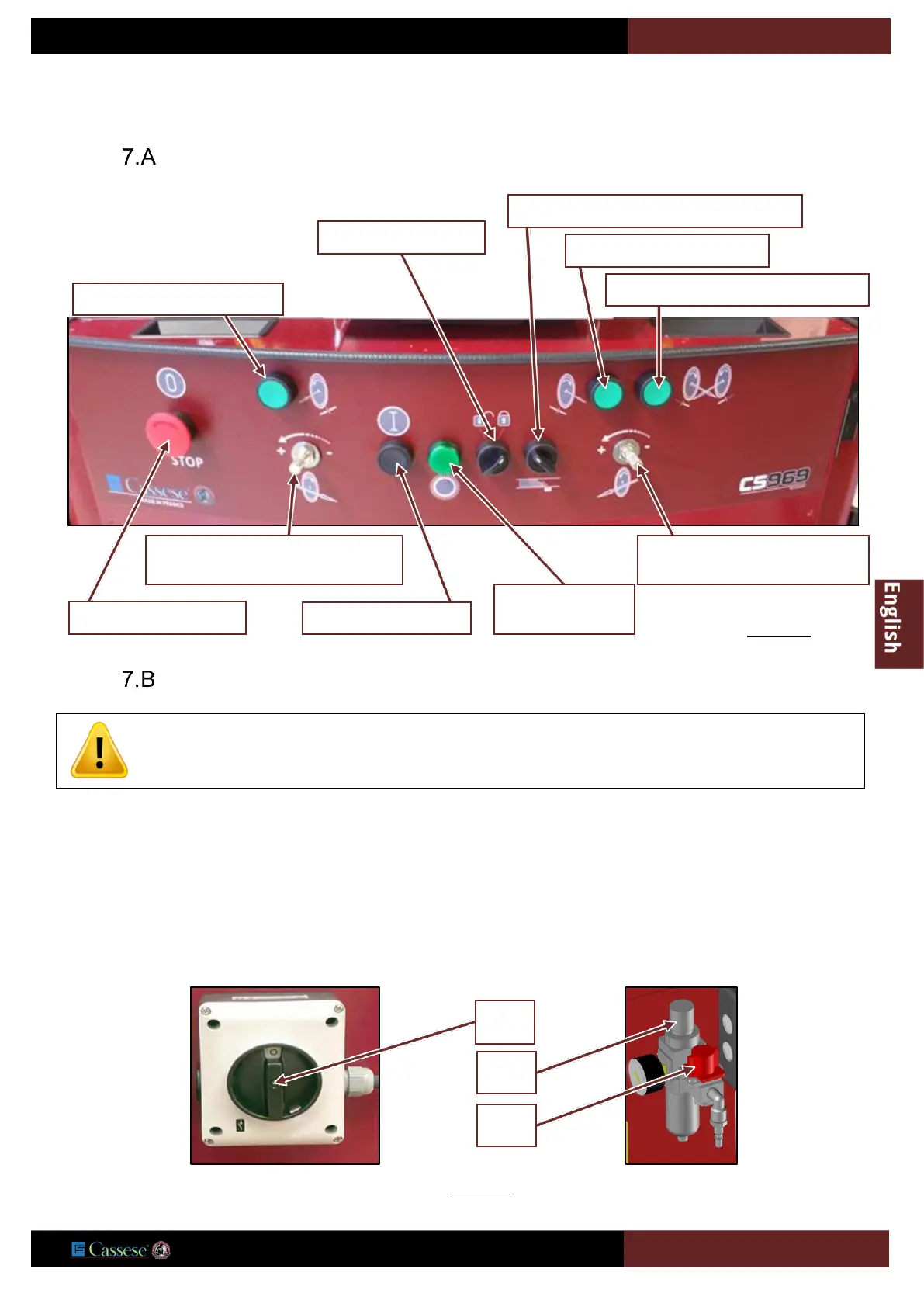
CONTROL PANEL
MAIN SWITCH
Open the compressed air source (Valve 14) and adjust the machine pressure regulator (13) to obtain compressed air pressure
of 6 bar.
Switch on the machine: main isolating switch (16) at bottom right of the machine.
Indicator lamp V1 lights up. This indicator lamp V1 only lights if the CS 969 is energised.
Press button 1 (Fig. Below) and check the rotation direction of the blades, i.e.:
a/ clockwise for the left blade,
b/ anti-clockwise for the right blade.
If the direction is not correct, press button 2 (Fig., Below), close the valve (14), put the main switch on OFF and reverse
two phases on the power supply cable.
Restart the starting up.
4=Control button right clamps
9=Retractable stop or Numeric stop option
5=Control button left clamps
6=Control button left and right clamps
V1=Machine
operationnal lamp
8=Regulation of the speed of
advance of the right blade
7=Regulation of the speed of
advance of the left blade.
YOU MUST HAVE REMOVED THE LOCKING SQUARE (
E) OF THE BLADES CARRIAGES BEFORE FOLLOWING
THIS PROCEDURE : SEE PAGE
19 OF THE INSTRUCTIONS MANUAL (REMOVING OF TRANSPORTATION SAFETY).


 To Next Page