Hardware Setup 2-13
Address Switch Settings
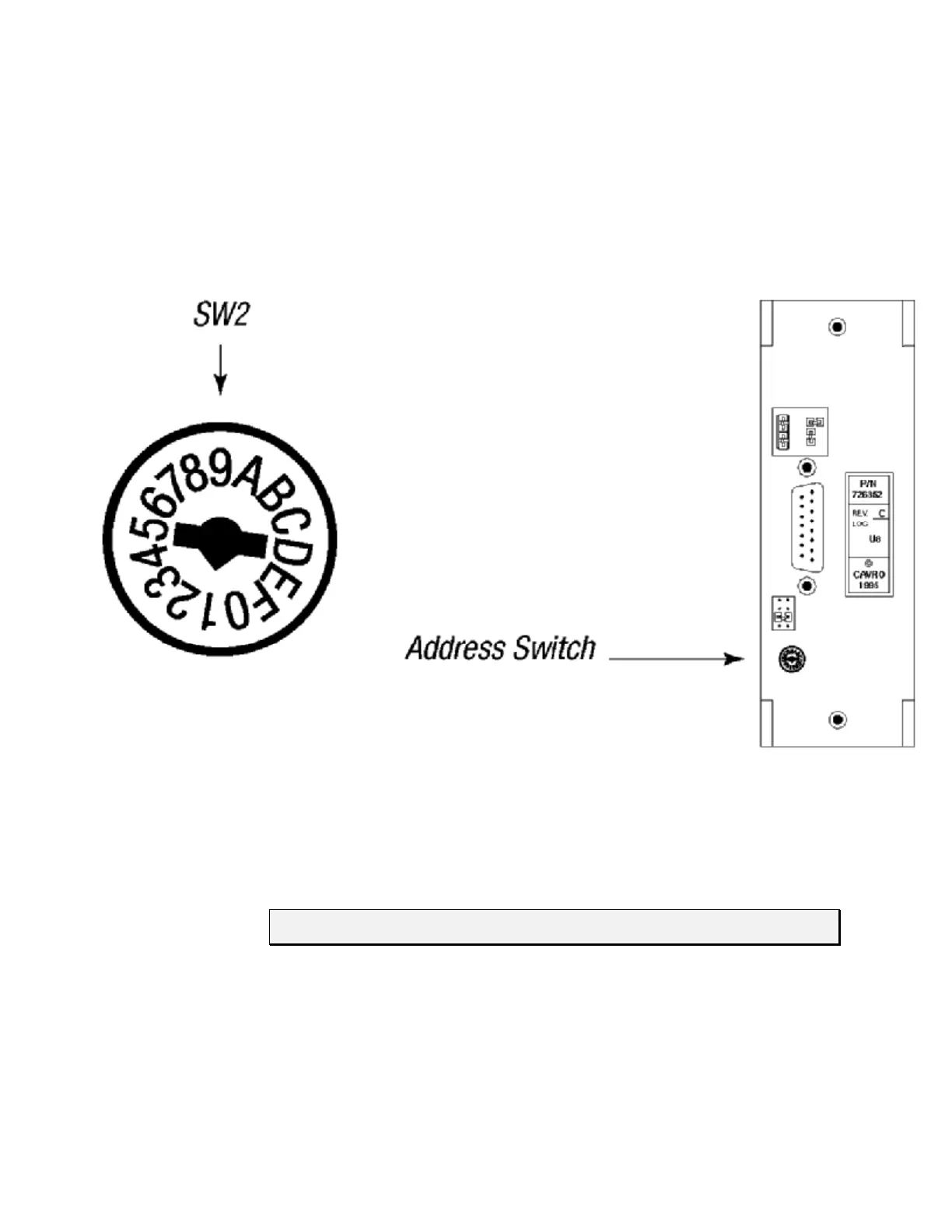
The address switch (see Figure 2-9) is located on the lower left of the XP 3000’s back
panel. It is used to give each XP 3000 in a multi-pump configuration a unique or specific
address, allowing the user to direct commands to specific pumps. The address switch has
sixteen positions (numbered 0 through F). Fifteen positions (addresses 0 through E) are
valid pump addresses for standard firmware modules, sixteen (0 through F) for
microstep-enabled firmware modules.
Figure 2-9. Address Switch
To set the address switch:
To set the address switch, use a jeweler’s screwdriver or small flat head screwdriver and
turn the switch in either direction to the desired position.
NOTE Power cycle (or power up) the pump after setting the address switch.
For information on the addressing schemes for different pump configurations, see
Chapter 3, “Software Communication.”



 To Next Page