Software Communication 3-24
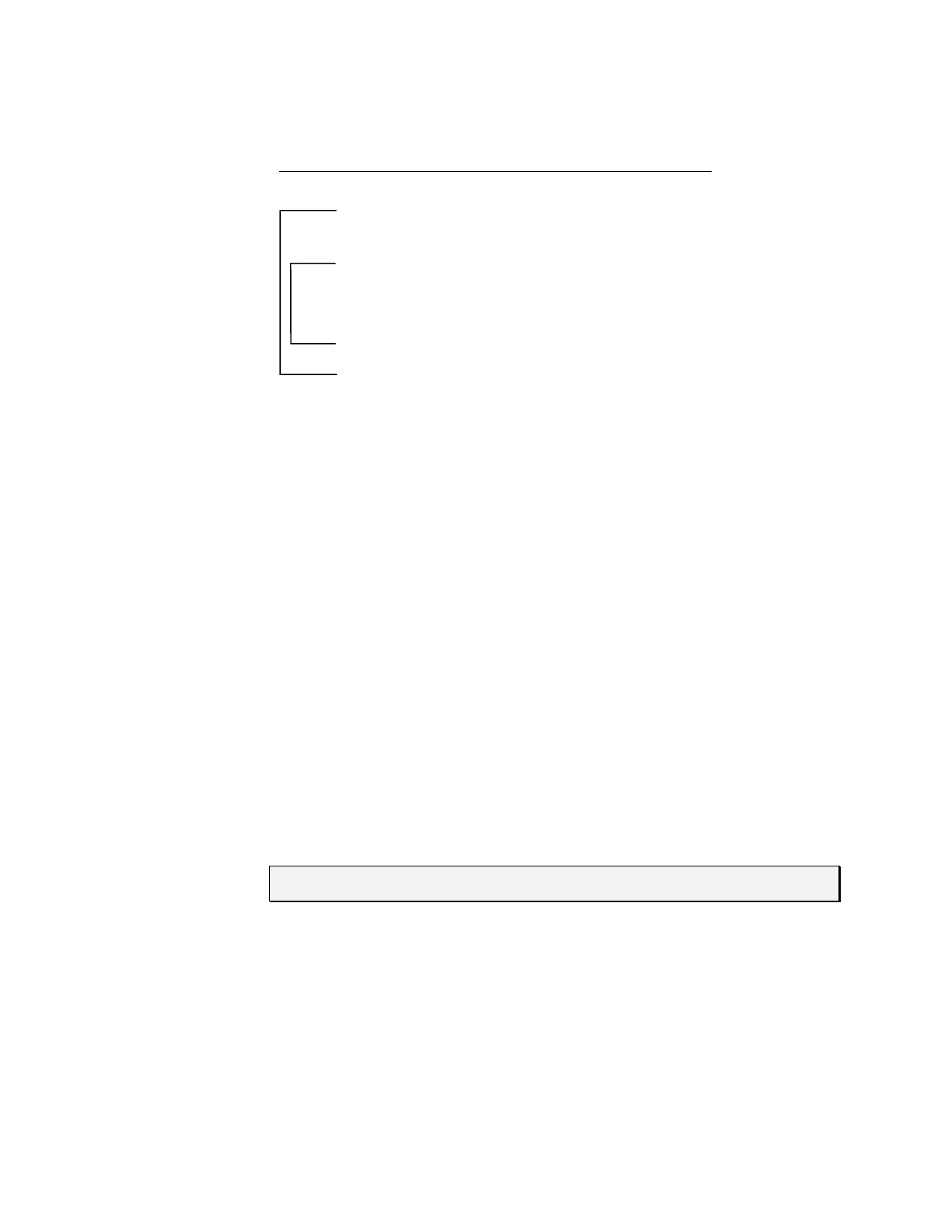
Table 3-5. Example Program String
Command
Segment
Description
A0 Move plunger to position 0.
g Outer loop start.
P50 Move plunger down 50 steps.
g Inner loop start.
P100 Move plunger down 100 steps.
D100 Move plunger up 100 steps.
G10 Inner loop, repeat 10 times.
G5 Outer loop, repeat five times.
R Execute command string.
M <n> DELAY COMMAND EXECUTION
The [M] command delays execution of a command in milliseconds to the closest multiple
of five. This command is typically used to allow time for liquid in the syringe and tubing
to stop oscillating, thereby enhancing precision. The syntax for this command is:
[M<n>], where <n> = 5..30,000 milliseconds
H <n> HALT COMMAND EXECUTION
The [H] command is used within a program string to halt execution of the string. To
resume execution, an [R] command or TTL signal must be sent.
The syntax for this command is:
[H<n>]
Two TTL inputs are available, input 1 (JP3 pin 7) and input 2 (JP3 pin 8). They control
execution as follows:
<n> = 0 Waits for [R] or either input 1 or 2 to go low
<n> = 1 Waits for [R] or input 1 to go low
<n> = 2 Waits for [R] or input 2 to go low
NOTE If <n> does not have a value, <n> defaults to 0.
The status of the TTL input lines can also be read using [?13 ]and [?14]. These
commands are described in “Report Commands” in this chapter.



 To Next Page