21
cdvi.com
cdvigroup.com
INSTALLATION MANUAL
EN
DIGIWAY PLUS
STEP V: ADVANCED SETTINGS (Continued...)
Advanced Setting
Ex Power Open
Enable / Disable
When enabled, adds one more OPENING pulse after the regular OPENING cycle to
compensate possible friction or door unbalance.
Enable or disable this function with the UP or DOWN buttons and conrm with OK
Default value = DISABLE
8)
Advanced Setting
Ex Power Close
Enable / Disable
When enabled, adds one more CLOSING pulse after the regular CLOSING cycle to
compensate possible friction or door unbalance.
Enable or disable this function with the UP or DOWN buttons and conrm with OK
Default value = DISABLE
11)
Advanced Setting
Extra Close Time
Extra Close Time
|||||||||||||||||.........0 SEC.
This function allows to set the duration TIME of the CLOSING extra pulse
Change the value by pressing the UP or DOWN buttons and conrm with OK.
Default value = 0 SEC.
13)
Advanced Setting
Fire Release
Fire Release
Open/Free/Closed
When the Fire Release function is enabled, it’s possible to set the reaction of the door
depending on the failure of the Fire power ( V+, V-) :
• DOOR FREE = In case of Fire Power failure the door becomes FREE
• DOOR OPEN = In case of Fire Power failure the door opens and stays OPEN until
the re power is reset or the function of the Menu Conguration is disabled.
• DOOR CLOSED LOCKED = Door CLOSED and lock active
• DOOR CLOSED UNLOCKED = Door CLOSED and lock disactive
14)
Advanced Setting
Max Obst Cycles
Max Obst Cycles
|||||||||||||||||.............000
When the door meets an obstacle during closing, it re-opens immediately. At the end of
the pause time, it re-closes. If the obstacle is still present the cycle restarts.
This parameter sets the max number of re-closing attempts before stop and wait for an
external command. Range : from 1 to 256 . Value 0 of the parameter means no limit.
Default value = 100 attempts.
15)
Advanced Setting
Dynamic Pause
Enable / Disable
The dynamic pause is a function which automatically adjusts the pause time
programmed, avoiding too many closing attempts of the door in high trafc situations.
When enabled, this function increases by 1 sec. the pause time programmed each time
it detects a passage through the door during the closing phase, and restarts the time
when the passage is detected against when the door is open.
Once the door completes its cycle up to the closed status, the pause time is reset to the
programmed value.
Press UP or DOWN buttons to enable or disable the function and conrm with OK
Default value = DISABLE.
6)
Advanced Setting
FTC-S Exclusion
FTC-S Exclusion
|||||||||||||||||.................000
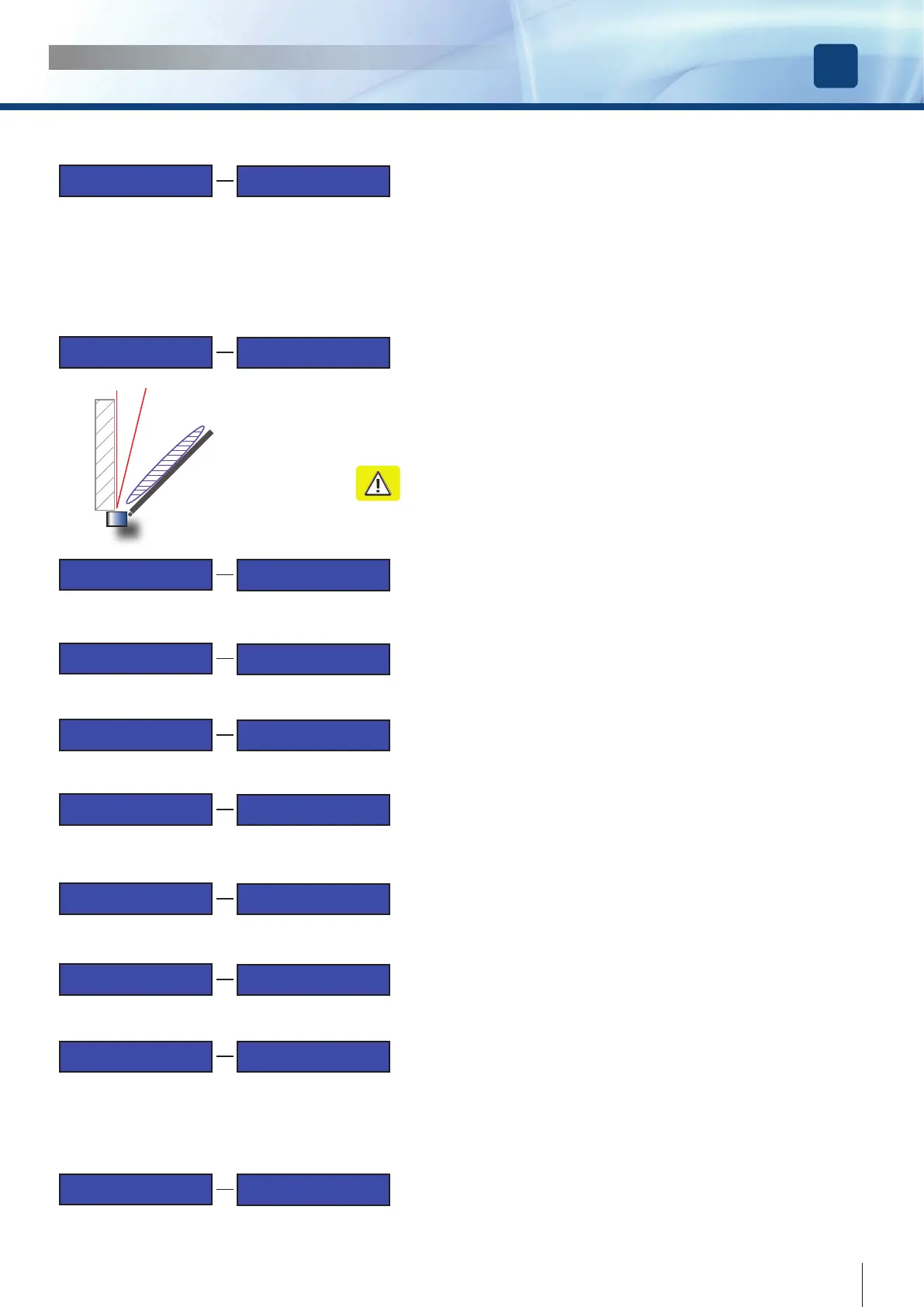
If the door is next to a wall and is using a curtain protection device, it may be necessary
to prevent the device being activated by the wall to allow a complete opening of the leaf.
Set the zone width as percentage of the full door motion using the UP or DOWN buttons
to increase or decrease the value.
000 = Door OPEN
100 = Door CLOSED
Example: if you want to disable the curtain device when the leaf is open at the 80% of
the complete travel, set the value to 20.
WARNING: the excluded zone may become a health & safety hazard
because it not protected!
7)
door
FTC-S active zone
excluded zone
wall
Advanced Setting
Ex Open Torque
Ex Open Torque
|||||||||||||||||..................50 %
This function allows to set the TORQUE of the OPENING extra pulse
Change the value by pressing the UP or DOWN buttons and conrm with OK.
Default value = 50%
9)
Advanced Setting
Extra Open Time
Extra Open Time
|||||||||||||||||...............0 SEC.
This function allows to set the duration TIME of the OPENING extra pulse
Change the value by pressing the UP or DOWN buttons and conrm with OK.
Default value = 0 SEC.
10)
Advanced Setting
Ex Close Torque
Ex Close Torque
|||||||||||||||||...................50 %
This function allows to set the TORQUE of the CLOSING extra pulse
Change the value by pressing the UP or DOWN buttons and conrm with OK.
Default value = 50%
12)



 To Next Page