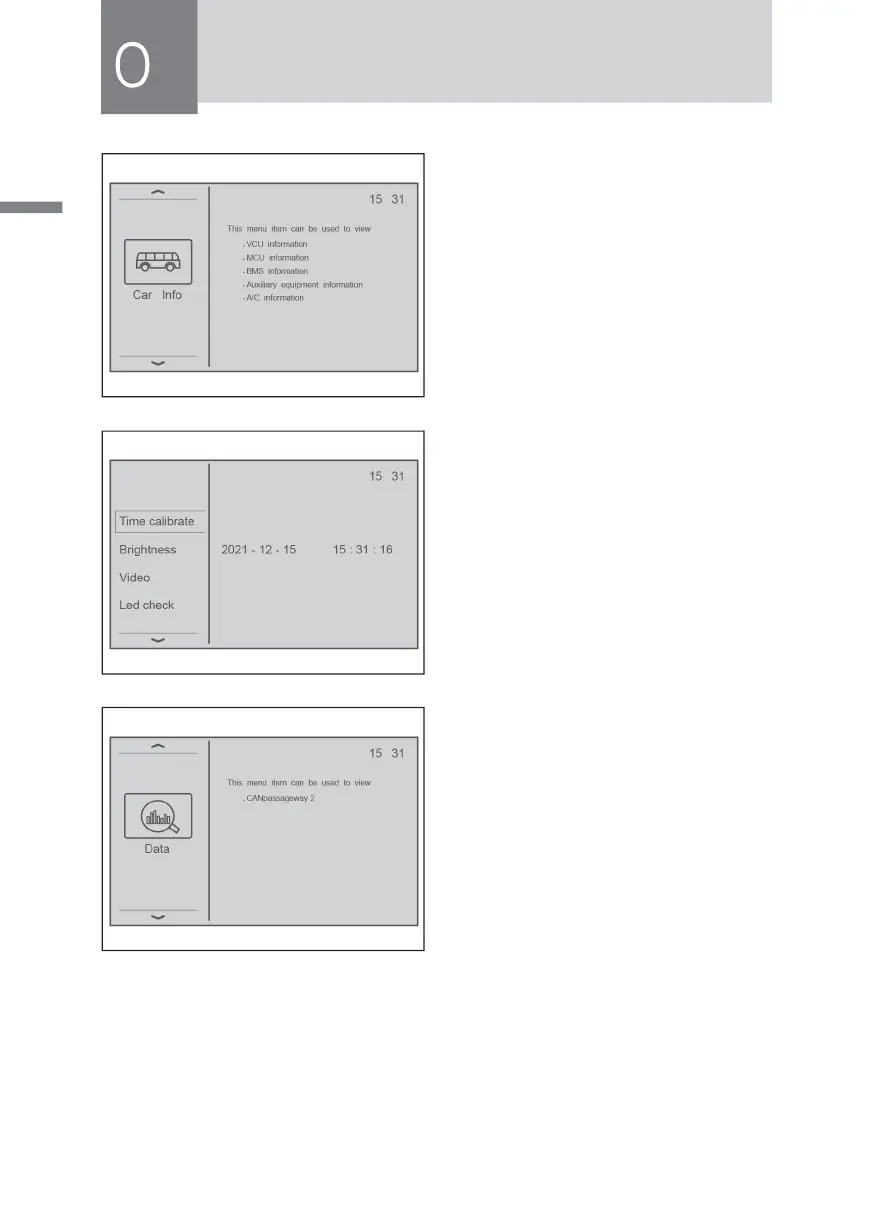
3)Vehicle information
Press the scroll down key to display
the vehicle information, and you
can query VCU information, MCU
inf ormation, BMS inf ormation,
auxiliary drive information, and air
conditioning information.
4)System settings
Press the scroll down key to display
the system settings, including time
calibration, brightness adjustment,
video function setting, wiper function
setting, LED light detection, buzzer
alarm setting, vehicle alarm value
setting, speed-related parameters
setting, and system self-test setting.
5)Data query
Press the scroll down key to display
the data query. This menu can be
used to view the real-time data on
the vehicle CAN network.



 To Next Page