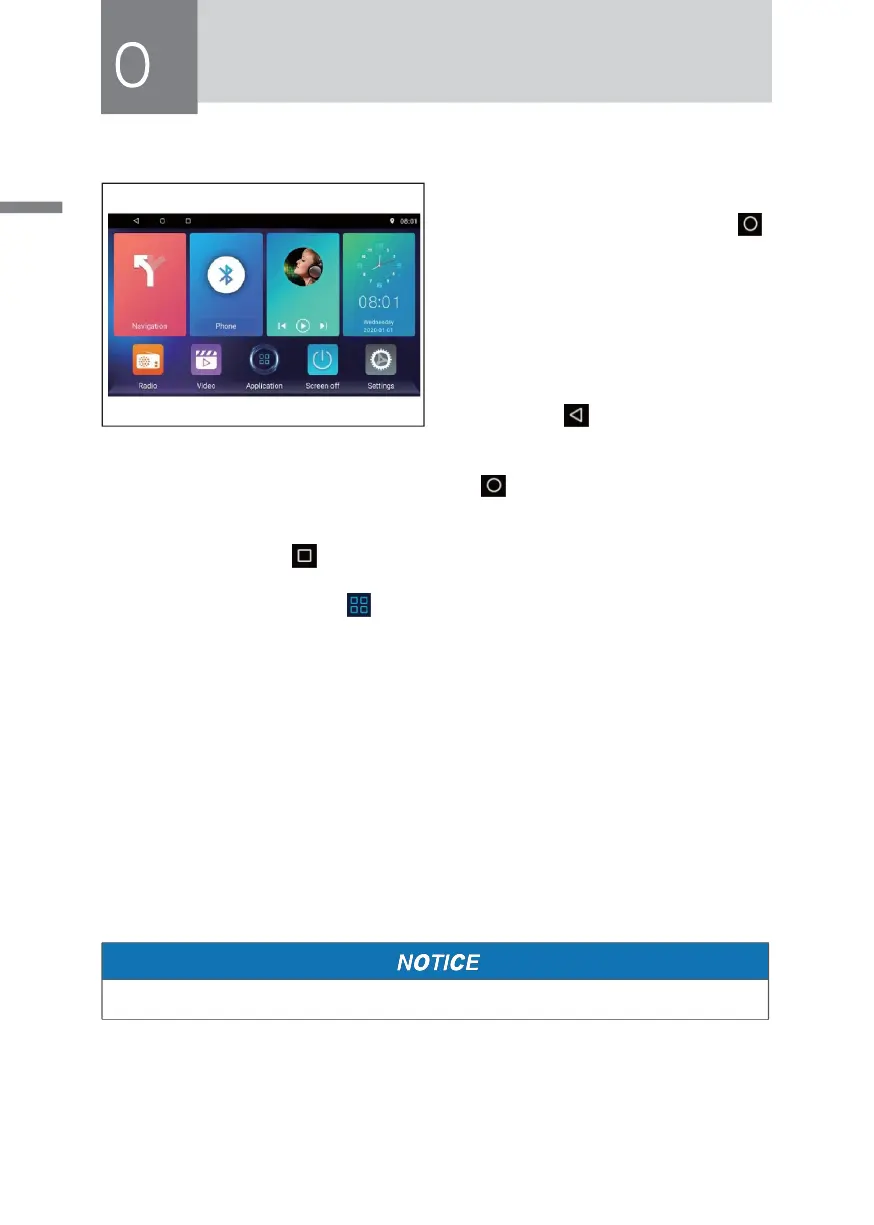
Main Interface
In the boot mode,the system defaults
to enter the radio interface, touch [ ]
icon to enter the main interface.
• Fingers gently sliding around the
screen to switch the main community
page, press and hold an icon to
move the icon position.
• In order function interface, touch
interface [ ]icon directly return to
the previous screen.
• In order function interface, touch interface [ ]icon directly return to the main
screen.
• Daemon icon, touch [ ] icon to see recently opened and run in the background.
• In the main interface touch [ ] icon to enter[all applications] interface.
• With your finger in the upper right area of the main interface to decline,can
quickly open the Settings/ Car Settings Feedback cleanup/ WLAN Closed/
luminance / Sound function setting interface.
• In the main interface touch[off-screen] icon,you can turn off the screen,touch to
open freely.
Function Operation Instructions
In [all applications]touch [Instructions]icon to enter Manual operation
interface,gently slide to the left to the right at the interface with your fingers,you can
switch the next interface.
• There Describes some of the features the host operating instructions.



 To Next Page