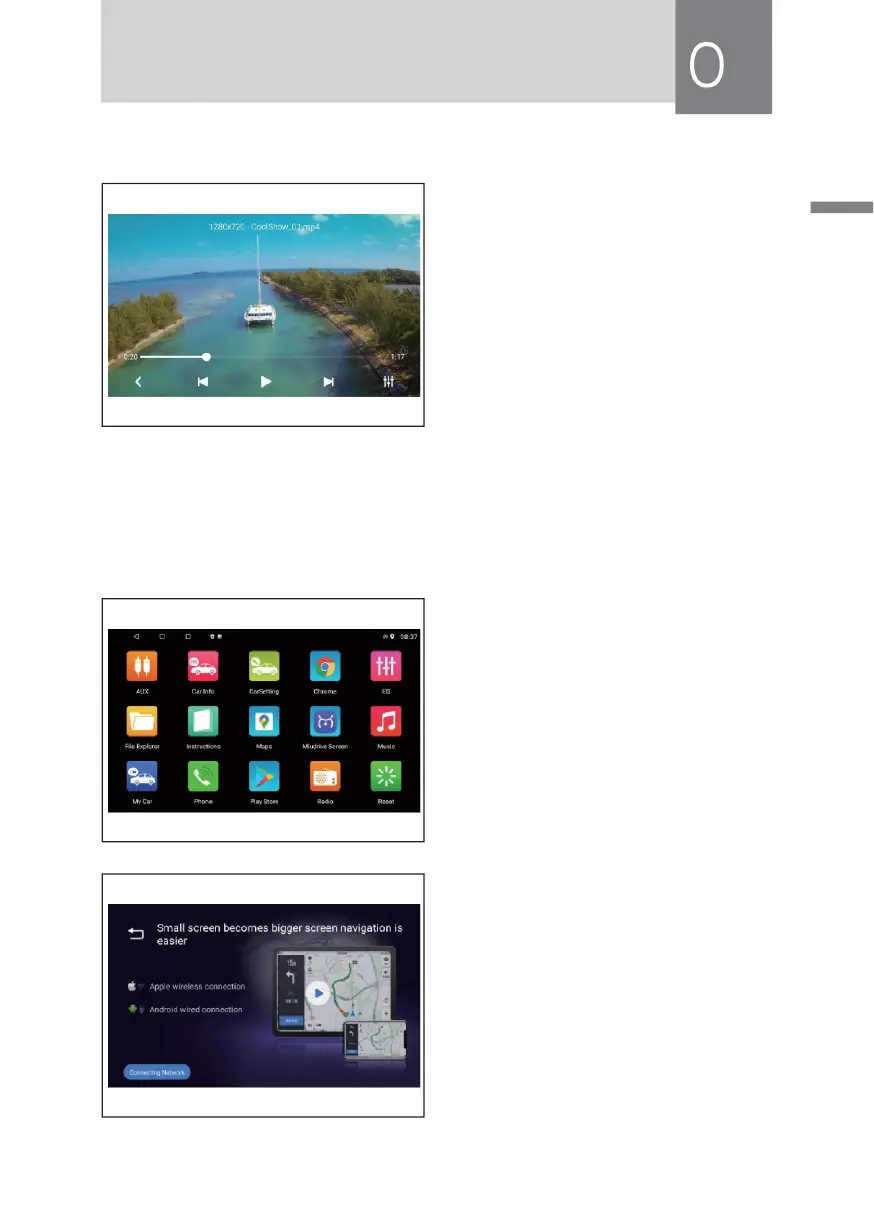
Video Function Operation
This function can play USB, built-in hard
disk connected to the device video file.
• Product Support video file formats
including MPEG. MPG,MP4,3GP,MKV,
AVI,FLV and so on.
• Does not support video playback,
because the format is not supported
and can not be played.
• In the [main interface] touch [video]
icon to enter the video playback
interface.
During video playback,slide up and down to adjust the volume.
Mobile Phone Network Operator Function
This features the use of the smar t
phone's USB data interface, via VNC
technology and mobile phone screen
image to display a host vehicle to
achieve reverse control functionality
through the Android ADB technical
Audio transmission Bluetooth A2DP
technology. In the [main interface]
touch [ Miudriver Screen] icon to enter
the following interface.
• Android Phone Procedure:
» USB debugging turned on your
phone:
Opend Android phone to enter
[Settings]-[Developer options]-
[Open Developer options]-Select
[USB debugging] and OK.



 To Next Page