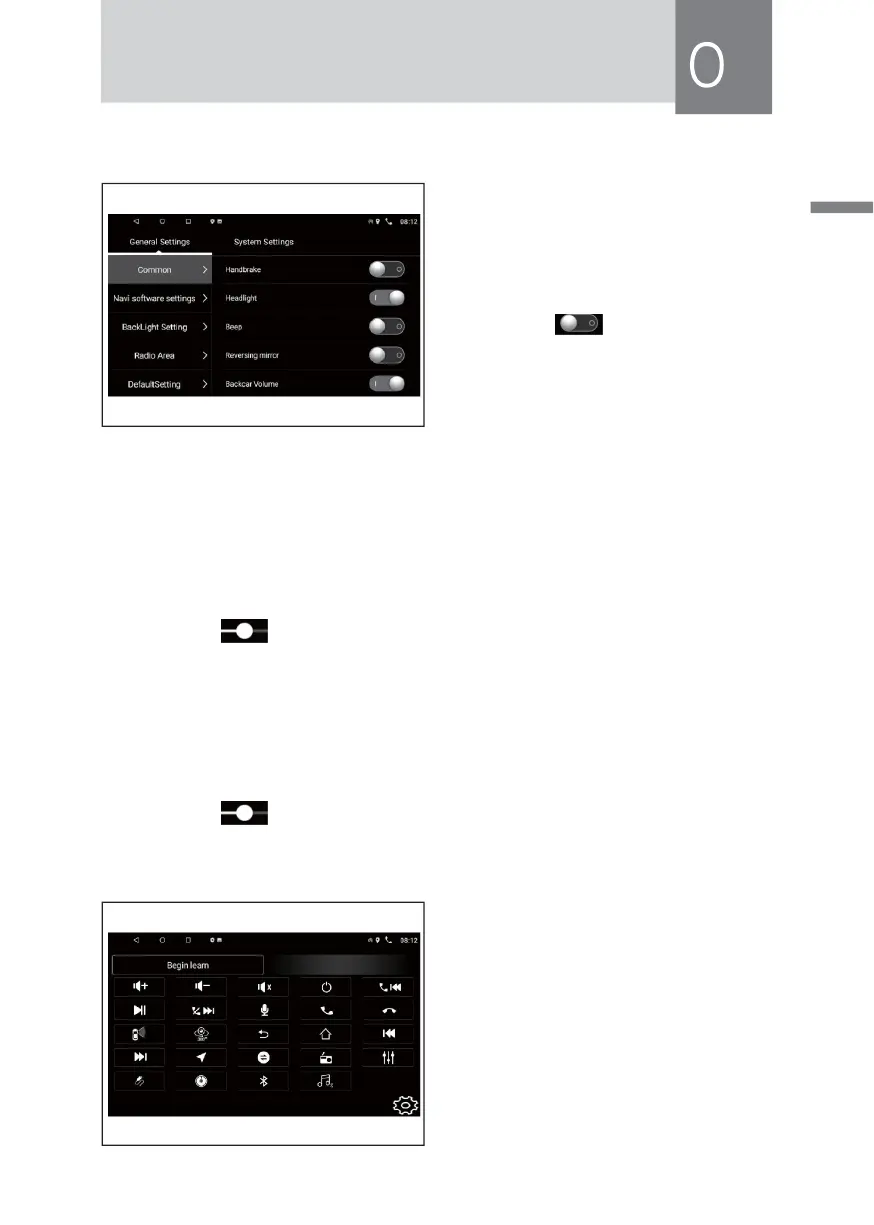
Car Setting Function Operation
In the[main inter face]Touch [Car
Setting]icon to enter the following
interface:
• Basic Settings
» Touch[ ] icon to set up Ha-
ndbrake/Headlight Detect/Key
tone/Backcar Volume/Assistive
Touch.
· Navigation Settings
» Navigation path has been set up at the factory, please do not enter the
navigation interface is set free to change the path, Otherwise,it may cause
abnormal program.
· Back light settings
» Drag the [ ] icon, the effect can be adjusted back light settings.
· Radio
» Choose your favorite country radio area.
· Default volume
» Drag the [ ] icon to adjust the default volume.
Learning Steering Wheel
Through the original steering wheel,
the machine can also be controlled.
Original car steering wheel control line
positive electrode, a negative electrode
and a positive electrode connected.
One by one by pressing the steering
wheel above Key,and records the order,
click on corresponding function settings
to save settings.



 To Next Page