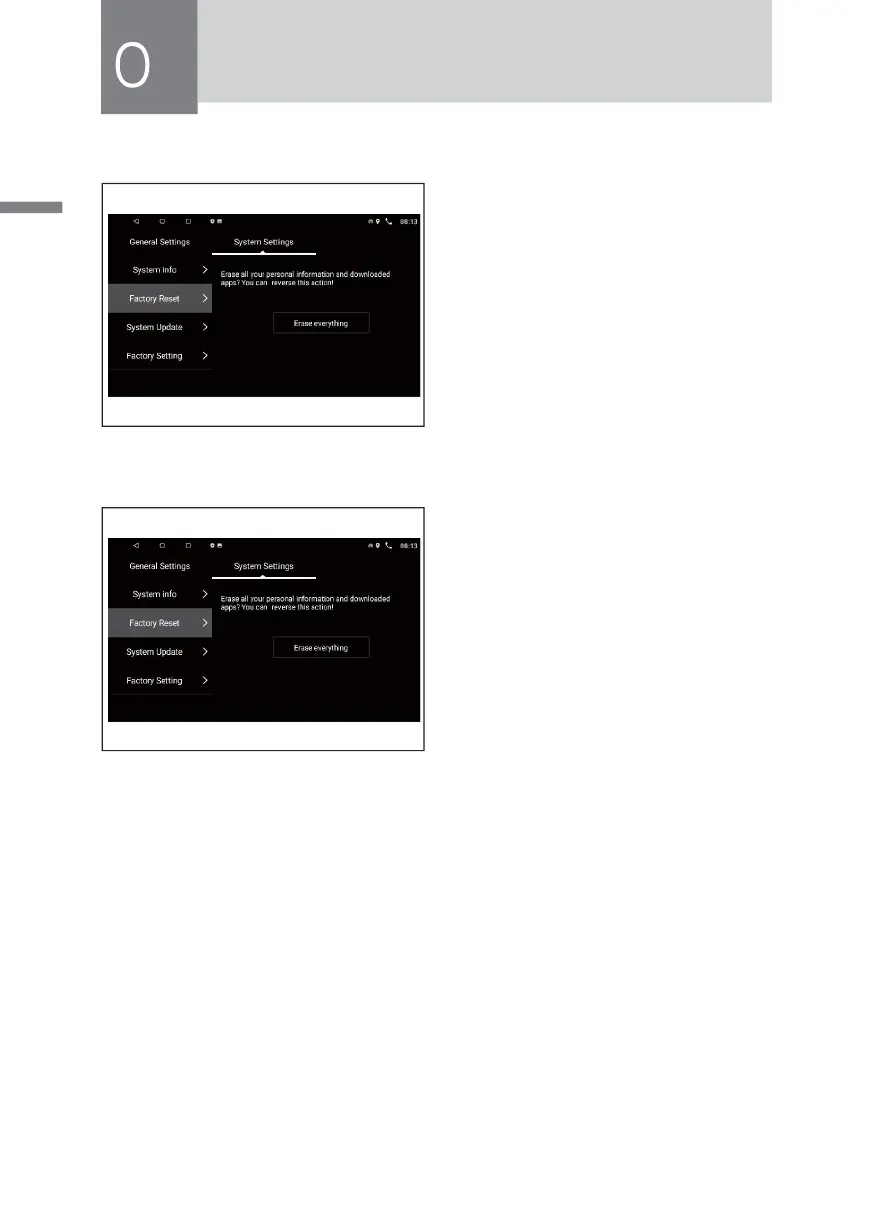
Factory Reset Setting
In the [System setting],choose [Factory
R e s et S e t t in g ] op t io n, p r e s s th e
[Eranse everything] icon and enter
the password “1234" to restore the
system to factory settings,the system
will automatically restart, Third-party
proarams after the system is restored
to factory settings, and all have been
inatalled User data will be lost.
Factory Setting
Chose[Factory Setting] option, press the
icon and enter the password “1617”
to setting the device parameters.
Cleaning Equipment
If the surface of the device has a stain,use a clean, soft cloth to remove spots,such
as cleaning cloth.
If the panel is very powerful dirty,wipe with a mild detergent dirt,then use a clean,
soft cloth to wipe off the cleaner.
Mechanical parts cleaning spray may affect the device directly on the device.Hard
cloth or using a volatile liquid (such as thinner or alcohol) to wipe the surface this
may scratch the surface or erase character.



 To Next Page