PROPILOT 700
10
1.6 Auto Mode (with the Control Option Compass)
Press the AUTO key to switch the ProPilot 700 from Standby to
Auto Mode, which engages the pilot in control of the vessel’s
course.
Press the OFF key at any time to revert to Standby Mode and
resume Manual Control.
A081 "A" is displayed to show that the ProPilot 700 is in Auto Mode,
steering under Compass Control and Course to Steer is displayed
(081º in this example).
If you are in Auto Mode but adjusting settings, a colon between the
second and third characters will flash to remind you that the vessel
is still under ProPilot 700 control.
1.7 Selecting Arrow Key Functions
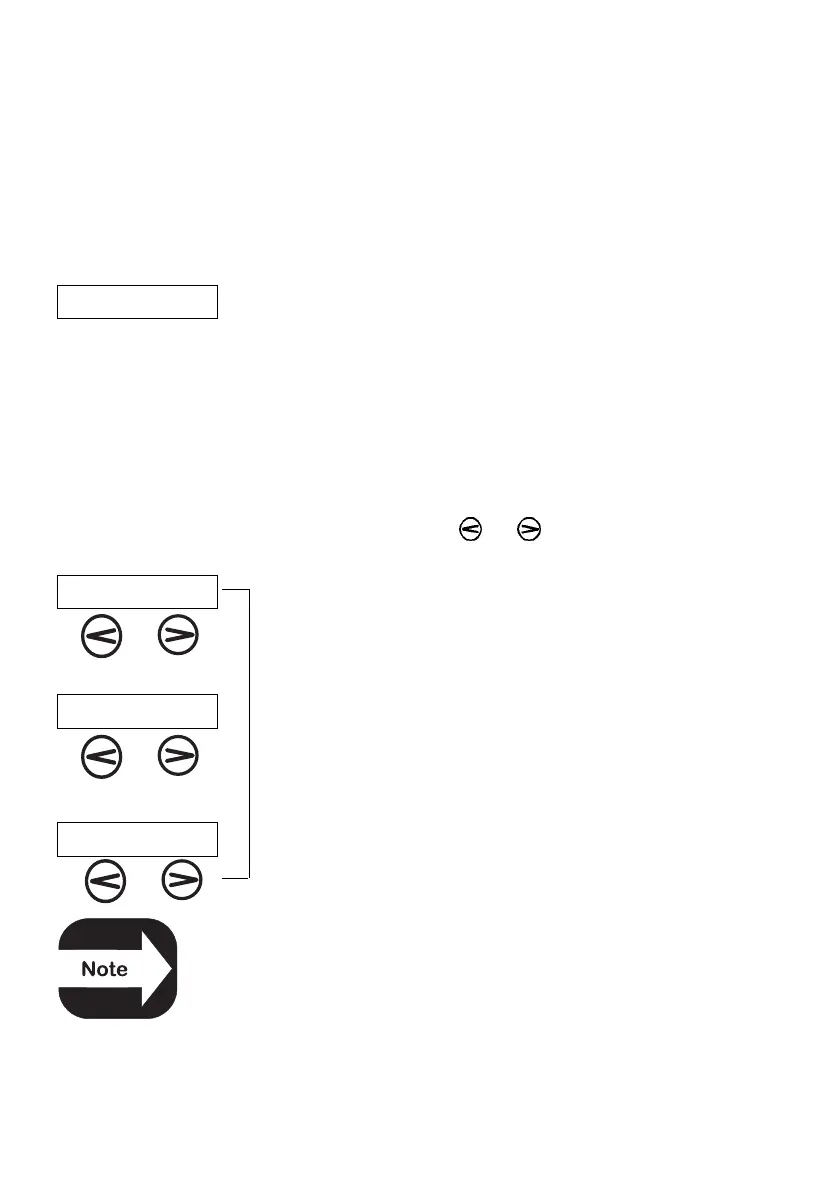
In Auto Mode, each time the and keys are pressed together,
the ProPilot 700 cycles through the arrow key functions.
dOdg The display in Auto Mode shows “A 234” when the
Dodge function is selected,
C.C “A.234” when the Course Change function is
selected (note dot),
t.AC and “t.234” when the Tack function is selected.
The Tack function is only available when “SAIL” is
selected as the Vessel Type Configuration.
E
E
D



 To Next Page