41
7.10 Spool Valve
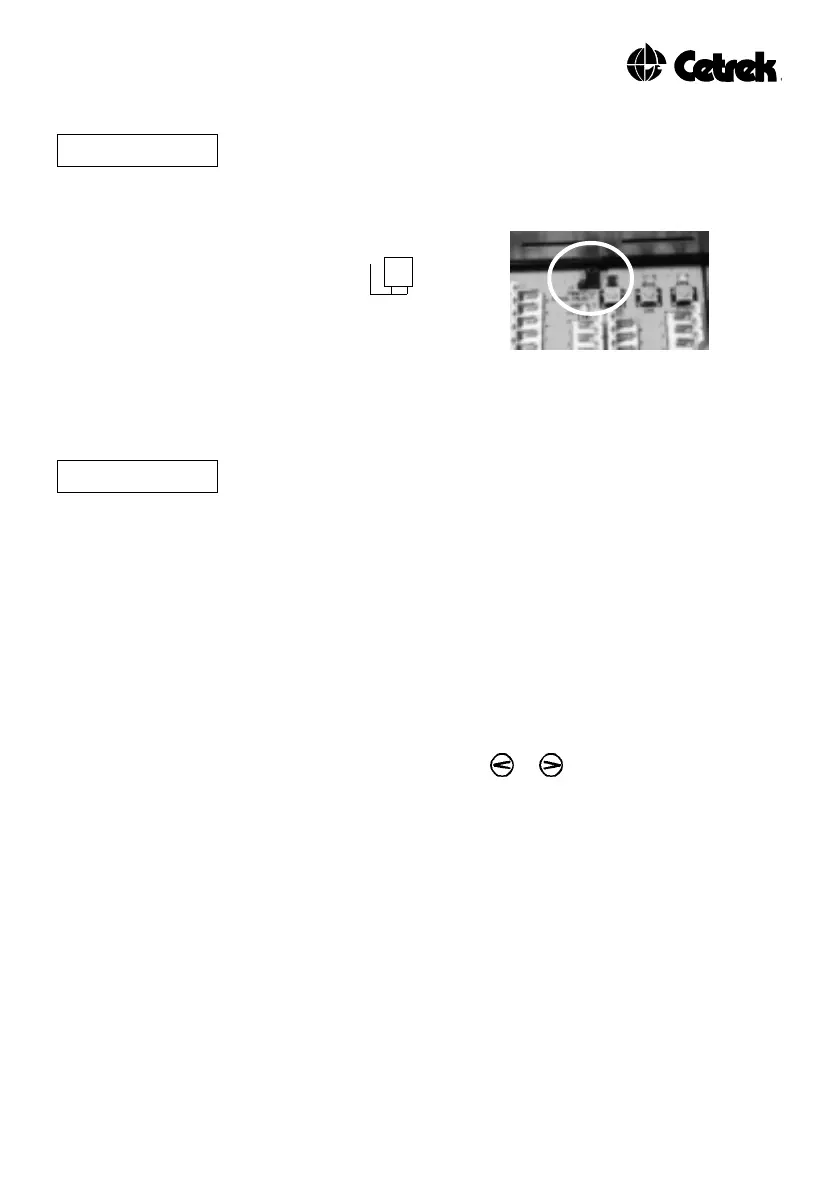
P0FF If using Spool Valve Control for the steering system, the Jumper J3
in the Pilot Computer will need to be set to “Spool Valve”, this
automatically sets Motor Speed Control to PWM Off.
J3
Spool Valve Position
Figure 12 - Spool Valve Jumper
7.11 Motor Speed Reduction Angle
rA The ideal setting will achieve a smooth reduction in motor speed as
the rudder nears the desired position.
Planing vessel’s are sensitive to sea conditions and can easily be
moved off course. Decrease the Reduction Angle so that the
corrective rudder movement, performed by the Pilot will quickly
return the vessel onto its course.
Mechanical drive systems with high inertia, need to operate the
rudder more slowly when small adjustments are needed ,
increasing the Reduction Angle will provide this effect.
Press the ADJ key, "rA" is displayed.
Change the setting by using the or keys.
The range is from 0º to 7º, in increments of 1º.
7.12 Tack Angle (Only used for sailing vessels)
Tack Angle is only available when “sail” is selected as the
Boat Type.
The ProPilot 700 has a Tack Angle setting, for sailing vessel’s. This
is the angle through which the vessel will tack when a Port or
Starboard Tack is initiated in Compass Control.
The tack function uses the compass heading and subtracts or adds
the tack angle to create the new course for Port or Starboard Tacks,
respectively. Manually calculate the Tack Angle in the normal way
and enter this value.



 To Next Page