PROPILOT 700
18
3. Sea State Adjustments
Adaptive Setting
The ProPilot 700’s “Adaptive” software has been designed to
optimise Response, Rudder Ratio, Counter Rudder and Trim in order
to maintain the best performance, as conditions change.
With Response set to Adaptive (see section 3.1 below) the ProPilot
700 automatically fine tunes the controlled helm movements to
roughly the same frequency and magnitude as those performed by
hand when steering manually.
When sea states or conditions obviously change, ie after turning to
a new course from a following wind / tide to an oncoming wind /
tide, the Adaptive Software adjusts the Rudder Ratio, Trim and
Counter Rudder settings to suit the change in conditions. It is
possible to assist the Adaptive Software by changing these three
settings manually, without exiting the Adaptive setting.
These settings are explained in the following pages.
Proper setting of these controls has a marked effect on steering
system wear and tear, as well as battery life in sailing craft.
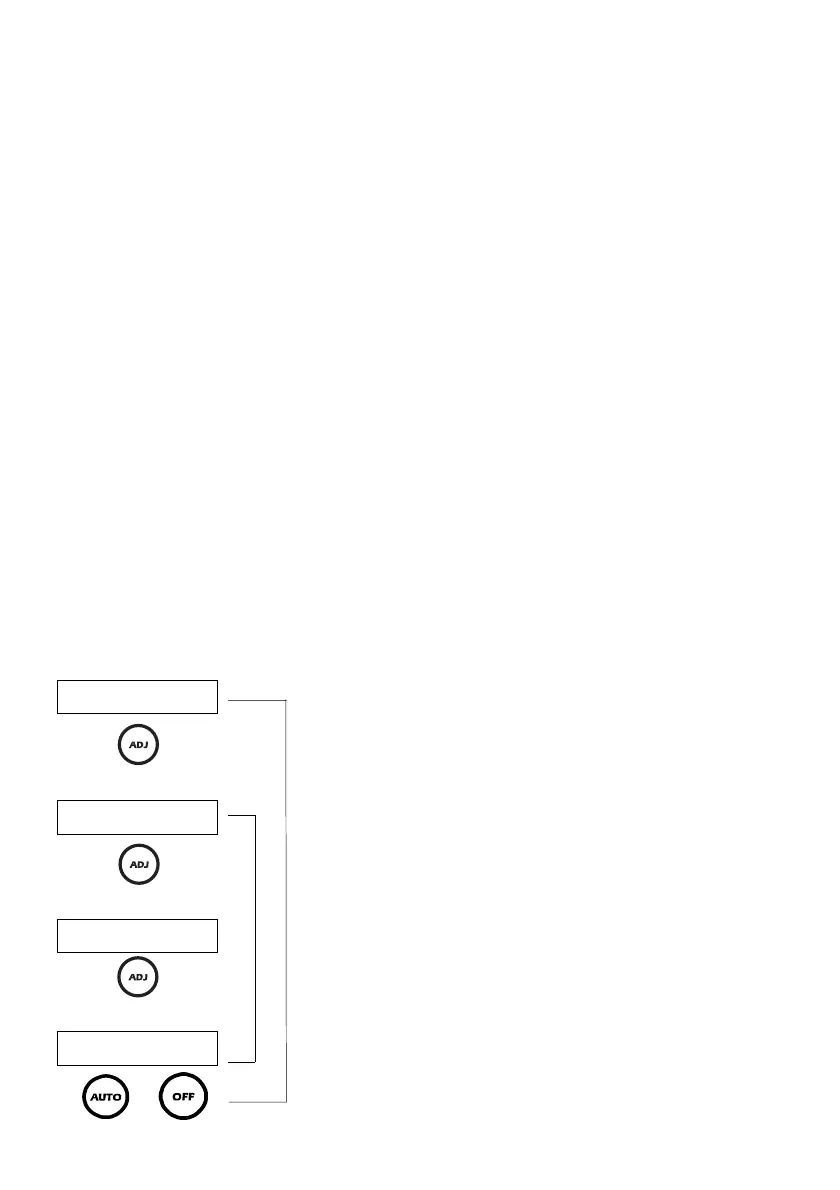
The ADJ key Sea State Adjustment cycle is as follows:
H035 From Standby, or
A035 Auto Mode
rU Rudder Ratio (0-20)
Pr Port Rudder Display, or
Sr Starboard Rudder Display, or
StOP Rudder End Stop
rE Response (1-20), or
AdPt Adaptive Setting
To exit Sea State Settings, at any time.
E
D
E
E
or
D



 To Next Page