40
Troubleshooting Product Manual - Orca
™
CO
2
Series MicroBulk Delivery System
Error Codes & Warnings
During the switch-on phase, the Flowcom
®
Flow Meter System checks the important system functions and
the data integrity. The dierentiation is made between errors and warnings. Warnings and errors that can be
addressed can be conrmed. The device can then be operated further. In the event of errors that cannot be
addressed, the “DELIVERY” function is blocked. Errors and warnings are displayed during the switch-on phase.
Sections referenced below refer to the Flowcom 3000 Service Manual. See the Service Manual for more
information.
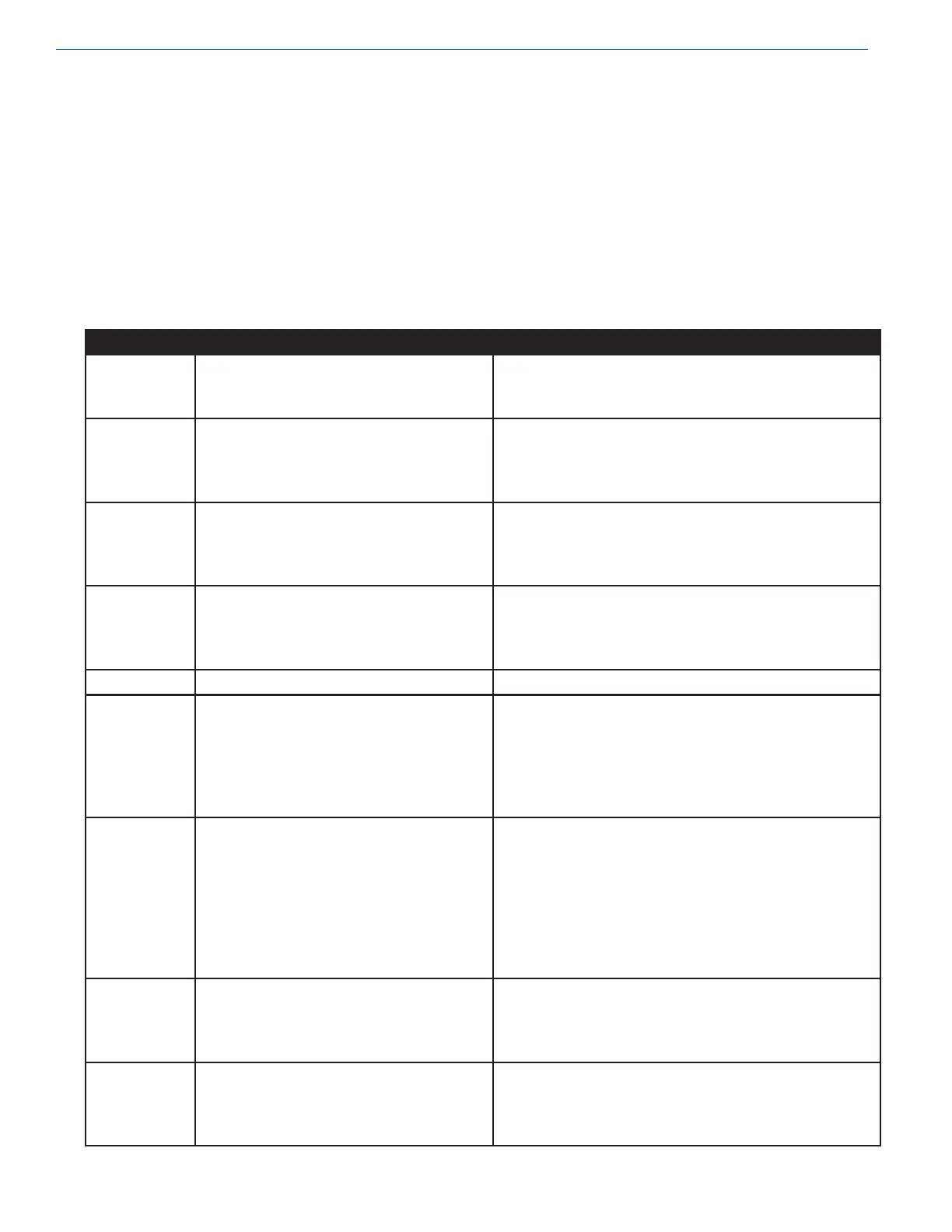
Overview of Error Codes
Error Cause Task
E001 Hardware calibration not yet carried out.
Checksum error identified when reading
the calibration data.
Perform hardware calibration. (See section 3.2.8,
“Hardware calibration”). The calibration seal needs to
be broken.
E002 Parameters for configuration of the
meter system have not been entered yet.
Checksum error identified when reading
the corresponding settings.
Configure device. See also section 6 “Parameters.
Settings.”
The calibration seal needs to be broken.
E003 Parameters for calibration of the meter
system have not been entered yet.
Checksum error identified when reading
the corresponding settings.
Calibrate metering system or enter calibration data. See
section 6 “Parameters/Settings.”
The calibration seal needs to be broken.
E004 User settings #1 of the meter system have
not been entered yet.
Checksum error identified when reading
the corresponding settings.
Configure device. See also section 6 “Parameters/
Settings.”
The calibration seal does not need to be broken.
E005 - E007 A new mother board has been installed Confirm error.
E009 - E010 Measured temperature is too low.
PT 100 low signal voltage.
PT 100 excitation current out of range.
Broken cable.
May be caused by any of the following:
-Temperature sensor PT100 is not connected properly.
-Temperature range switching is defective.
-Constant current source is defective.
-The product parameter does not match the actual
product being metered.
Boot-up errors
E011 - E015
-Liquid flow through meter section before
meter is turned on.
-DP Transmitter defective
-Wiring defective
-Leak in DP lines
-Press “STOP” button on control pendant
-Verify transmitter is plugged into junction box JB1, and
that wires are not broken.
-Voltage across contacts 1 & 2 on block X7 should
measure between 18 & 26 VDC. If not, front board
needs to be replaced.
-Tighten fittings.
E030 User settings #2 of the meter system have
not been entered yet.
Checksum error identified when reading
the corresponding settings.
Configure device. See also section 6 “Parameters/
Settings.”
The calibration seal does not need to be broken.
E031 PumpSmart settings of the meter system
have not been entered yet.
Checksum error identified when reading
the corresponding settings.
Configure device. See also section 6 “Parameters/
Settings.”
The calibration seal does not need to be broken.


 To Next Page