EasyManua.ls Logo

CHART Orca MicroBulk CO2 Series - User Manual

CHART Orca MicroBulk CO2 Series
62 pages
Print Icon
To Next Page IconTo Next Page
Loading...
Part Number 21235568 Rev. D
© 2018 Chart Inc.
Designed and Built by:
Chart Inc.
407 7th Street NW
New Prague, MN 56071 USA
(800) 400-4683
Product Manual
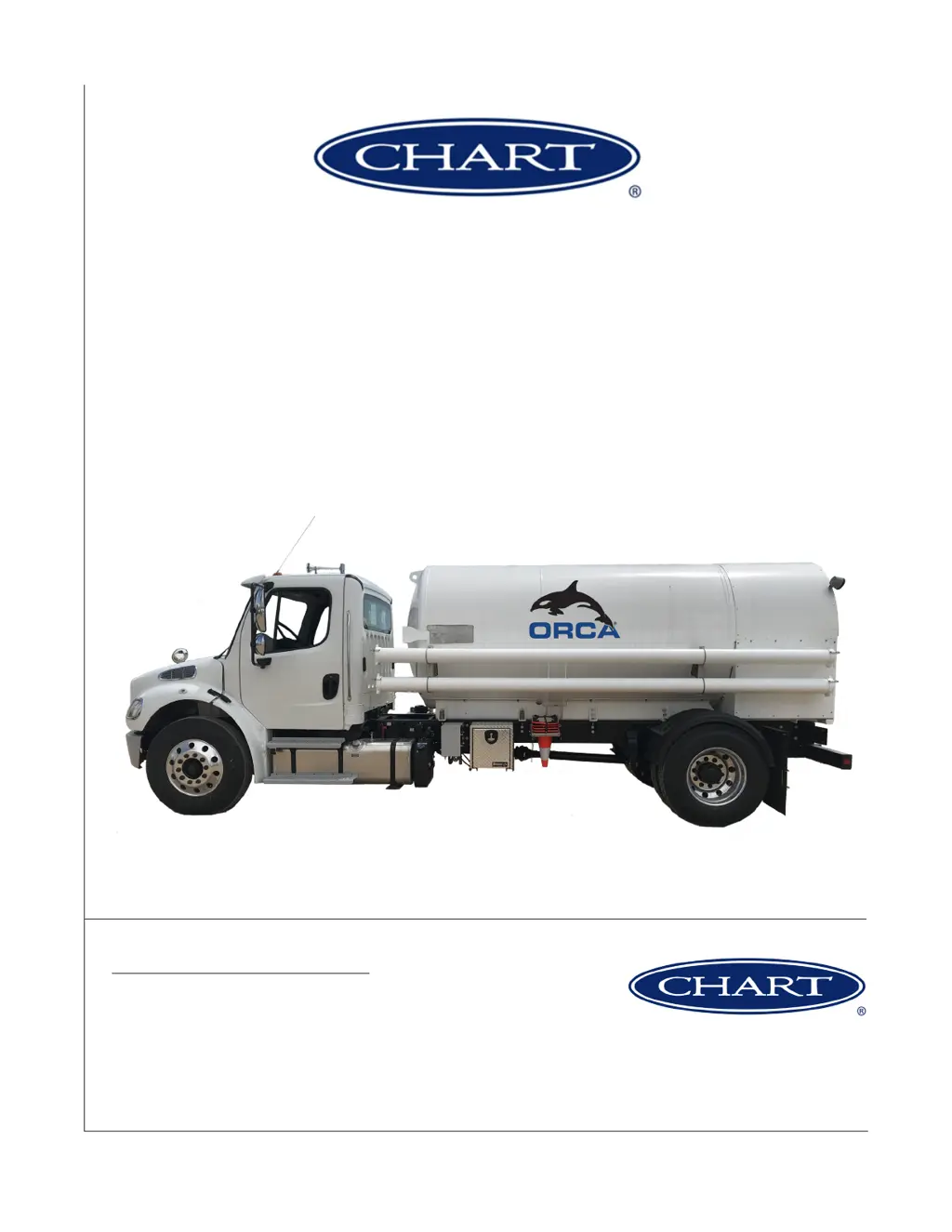
Orca MicroBulk Delivery System
CO
2
Series

Table of Contents

Questions and Answers

  • M
    Melissa KiddSep 9, 2025
    What causes a printer error on CHART?
    • A
      Albert BarnesSep 9, 2025
      If you are getting a printer error on your CHART device, it could be due to power loss, data loss, Flowcom not being set up, or paper not being inserted. Check the power cable, and DC converter, and connector 46, 47. Also check for a broken cable, and connector 17-19. Complete the setup per the Flowcom manual and insert paper.
  • S
    smithjamesSep 12, 2025
    What to do if the CHART tank pressure is too low?
    • S
      Sarah WeaverSep 12, 2025
      If the CHART tank pressure is too low or does not build pressure at a sufficient rate, it could be due to a tank leak, contamination with moisture or CO byproducts, or carbon dioxide ice in the tank. Check for frost on the plumbing or near the pressure reliefs and use soap solution to test for leaks, repairing them if possible. If contaminated, purge the tank with 50°C - 100°C nitrogen for 12 hours or more, purging CO byproducts out through the liquid fill line. If dry ice is present, pressurize the tank using an outside source to 300 psi to liquefy the solid CO.
  • J
    Jason MartinSep 13, 2025
    Why does frost occur around the plumbing of CHART?
    • G
      George BrownSep 13, 2025
      This is normal if the CHART tank is receiving or delivering CO.
  • A
    ajacksonSep 15, 2025
    Why does frost occur on the CHART hose or hose reel?
    • J
      Jaime WilsonSep 15, 2025
      This is normal. Ice may remain for hours after a fill or heavy use of your CHART equipment.
  • Z
    zrodriguezSep 17, 2025
    What to do if CHART shows 'Paper out. (Print/Exit)'?
    • S
      Sherry EvansSep 18, 2025
      Verify that the cables to the printer are plugged in, that the printer is turned on and that there is paper in the printer.

Summary

Preface and Introduction

System Overview and Theory

Describes the Orca CO2 system, its features, and operational principles.

Safety Guidelines

General, Gas, and PPE Safety

Covers overall safety, specific gas hazards, and protective equipment.

CO2 Specific Safety and Properties

CO2 Handling, Properties, and Hazards

Specific safety rules, characteristics, and dangers of CO2.

Operations - Filling and Delivery

Modes, First Fill, and Filling Procedures

Outlines operating modes, initial fill, and filling from different sources.

Operations - Pressure and Delivery

Pressure Build and Delivery Methods

Instructions for pressure building and dispensing via hose reel/bulk hose.

System Controls and Operations

Hydraulic Power, Pump Stops, and Trailer Ops

Covers PTO usage, pump stopping, and trailer unit operation.

Components & Systems Overview

Plumbing Cabinet Layout and Components

Overview of cabinet sections and identification of parts.

Key Component Details

Anti-Tow, Metering, and Printing Systems

Details on anti-tow valve, metering, and printing capabilities.

Truck and Trailer Systems

Hydraulic, Electrical, and Control Systems

Details on truck/trailer hydraulics, electrical diagrams, and controls.

Preventive Maintenance

Maintenance Schedules and Procedures

Guidelines for daily, weekly, and periodic maintenance tasks.

Troubleshooting and Error Codes

Error Codes, Warnings, and Symptom Table

Information on system errors, warnings, and diagnostic procedures.

Technical Specifications

Specs, Diagrams, and Nomenclature

Technical data, system diagrams, and part identification.

Warranty Information

Warranty Terms and Exclusions

Details on warranty coverage, components, and limitations.

CHART Orca MicroBulk CO2 Series Specifications

General IconGeneral
Model SeriesOrca MicroBulk CO2 Series
Product TypeMicroBulk CO2 Storage Tank
Construction MaterialStainless Steel
InsulationVacuum Insulation
ApplicationsBeverage carbonation, water treatment
ComplianceASME, DOT
FeaturesLow maintenance
Operating PressureTypically up to 350 psig (24.1 bar)