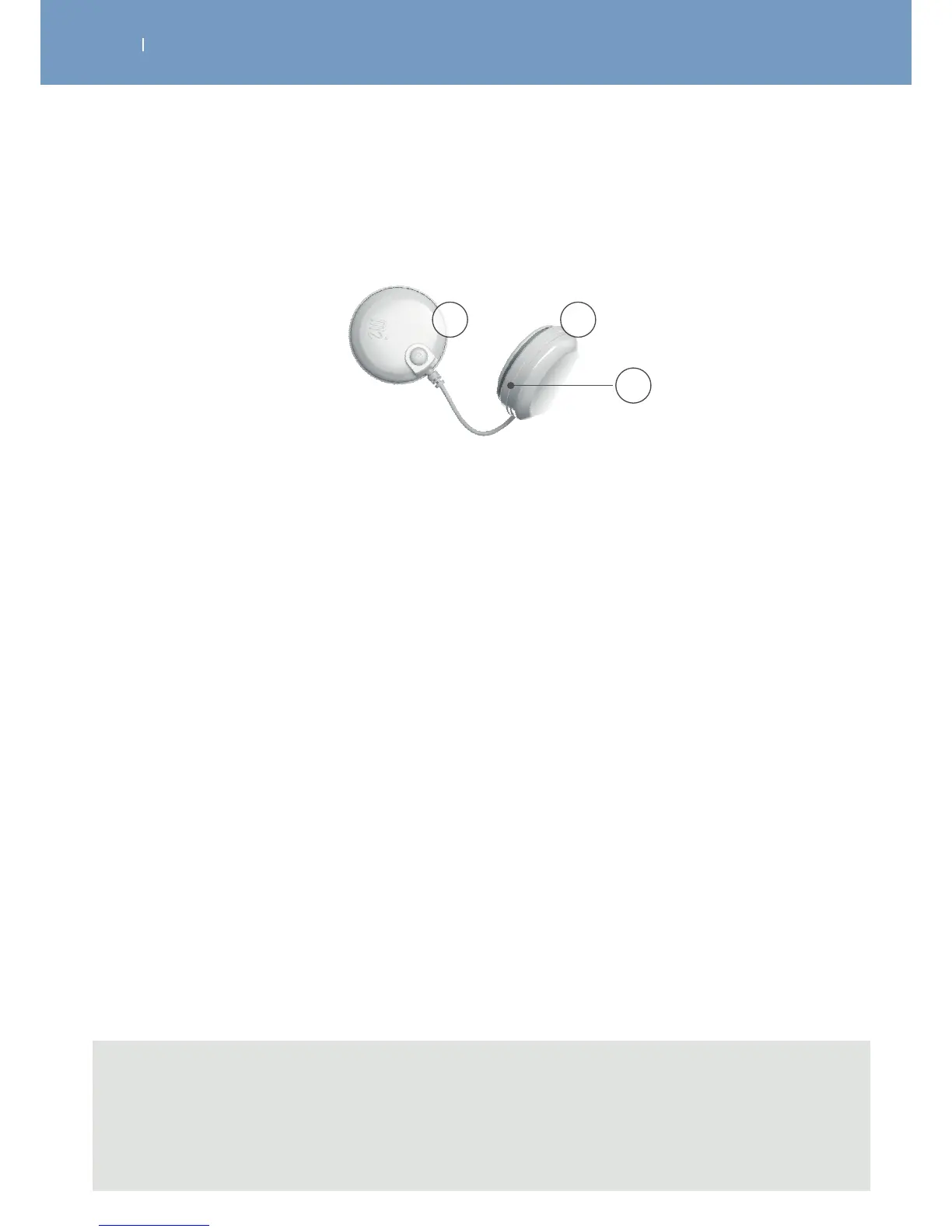
3.3.2 Modules
A module is composed of two pods.
A On/O button (press briefly to switch on, press for 1 second to switch o, during stimulation
press to pause)
• Flashing green LED: ready
• Flashing yellow LED: stimulation on
B Groove to wind up the cable
C Pod containing battery
A
B
C
Note
- When the distance among the remote control and the modules is too big, they will loose the
connection, stop with the stimulation immediately and the LEDs will flash red and green.
- Emergency stop function: By pressing the central button or the On/O button on one of the
modules during stimulation, the device pauses.



 To Next Page