4.1 Smart 4CH Docking station - Connecting the unit, performance check
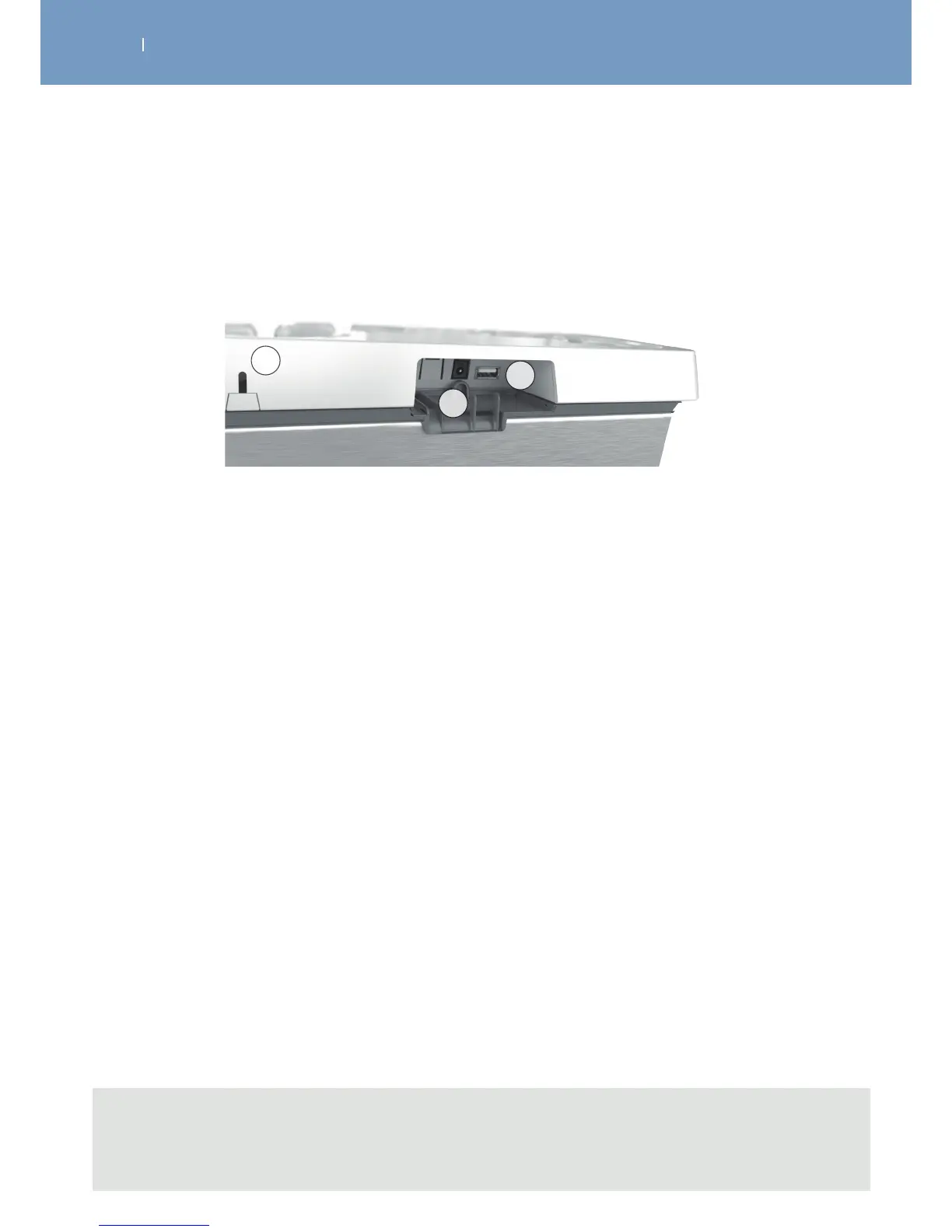
Connect the AC adapter supplied with your device to the removable tablet of the docking station (B) and
plug it into a power socket. Also connect the docking station’s USB cable to the removable tablet (C).
A Rear view of the docking station
B Connector for the AC adapter
C Connector for the USB cable
A
B
C
Note
- It is highly recommended to fully charge the batteries of the remote control and modules before
first use to improve their performance and life span.



 To Next Page