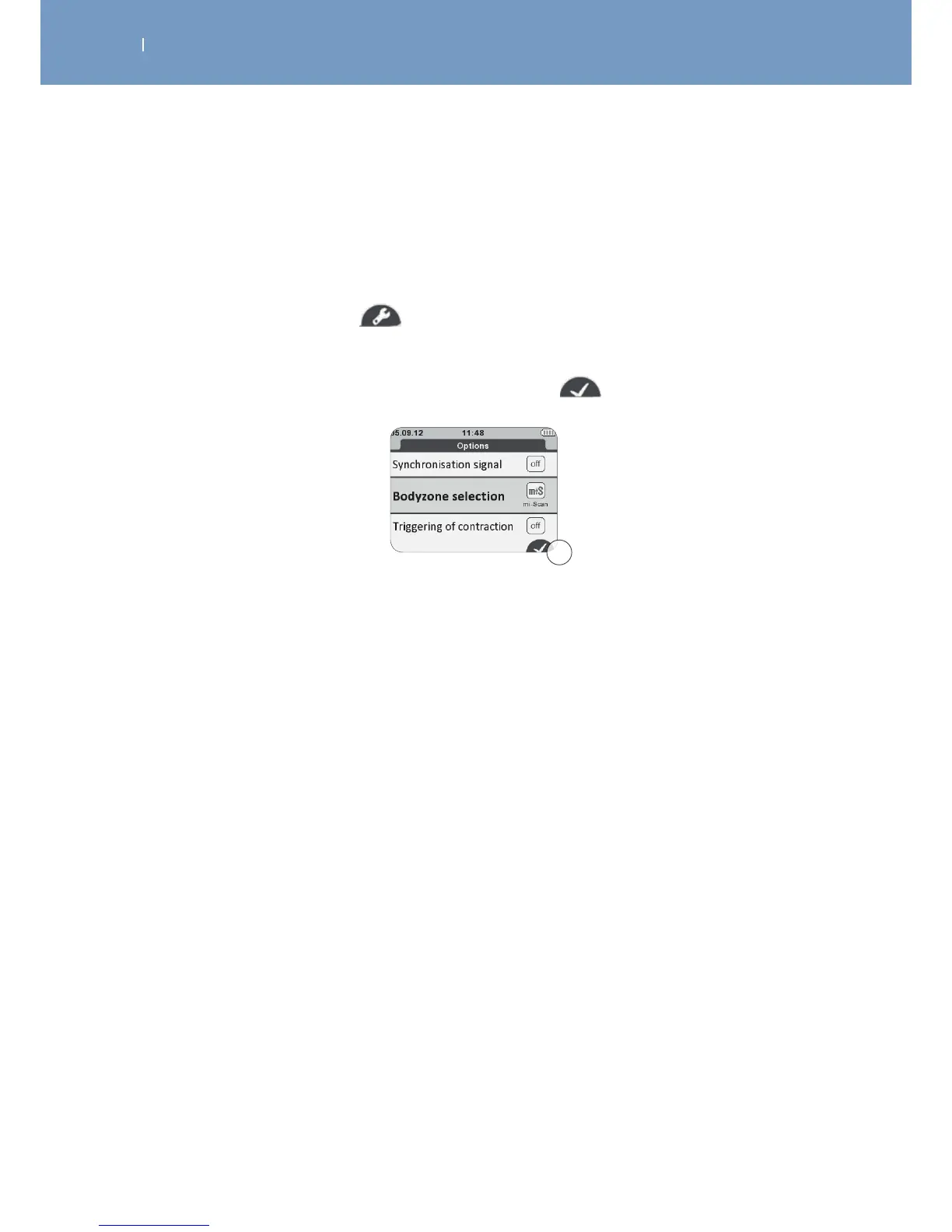
5.2 Adjust treatment options
For most programmes, dierent options can be enabled or disabled.
For detailed descriptions of the options available see: Chapter “Treatment Options”
1. Press the program options button to enter the options menu.
2. To mark an item, use the navigation pad (up/down).
3. To change settings of the marked option, use the central button.
4. To store the changed settings press the confirmation button
5.3 Electrode placement
The placement of the electrodes belongs to the indication that is supposed to be treated.
Please find detailed recommendations regarding the electrode placement:
- within usage of the Motor Point Pen
- within specific indications
- within your Wireless Professional
Depending on the characteristics of the current used for each programme, the electrode connected to the
positive pole (pod with illuminated button) may benefit from a “prime” location that is likely to increase
the ecacy of the treatment.
This is the case particularly for muscular electrostimulation programmes requiring strong muscular
contractions, for which it is recommended that the electrode with positive polarity is placed on the motor
point of the muscle.
The choice of electrode size (large or small) and the correct positioning of the electrodes on the muscle
group that needs to be stimulated are determining factors and are essential for stimulation to be eective.
As a result, always use the size of the electrodes shown on the images. Unless advised otherwise by a
doctor, always follow the positions specified on the images.
A
A Confirm / store program option settings



 To Next Page