6.3.2 The Lock Out function
The Lock Out function can be basically activated and deactivated within the menu for the Settings at the
Remote Control.
If basically activated:
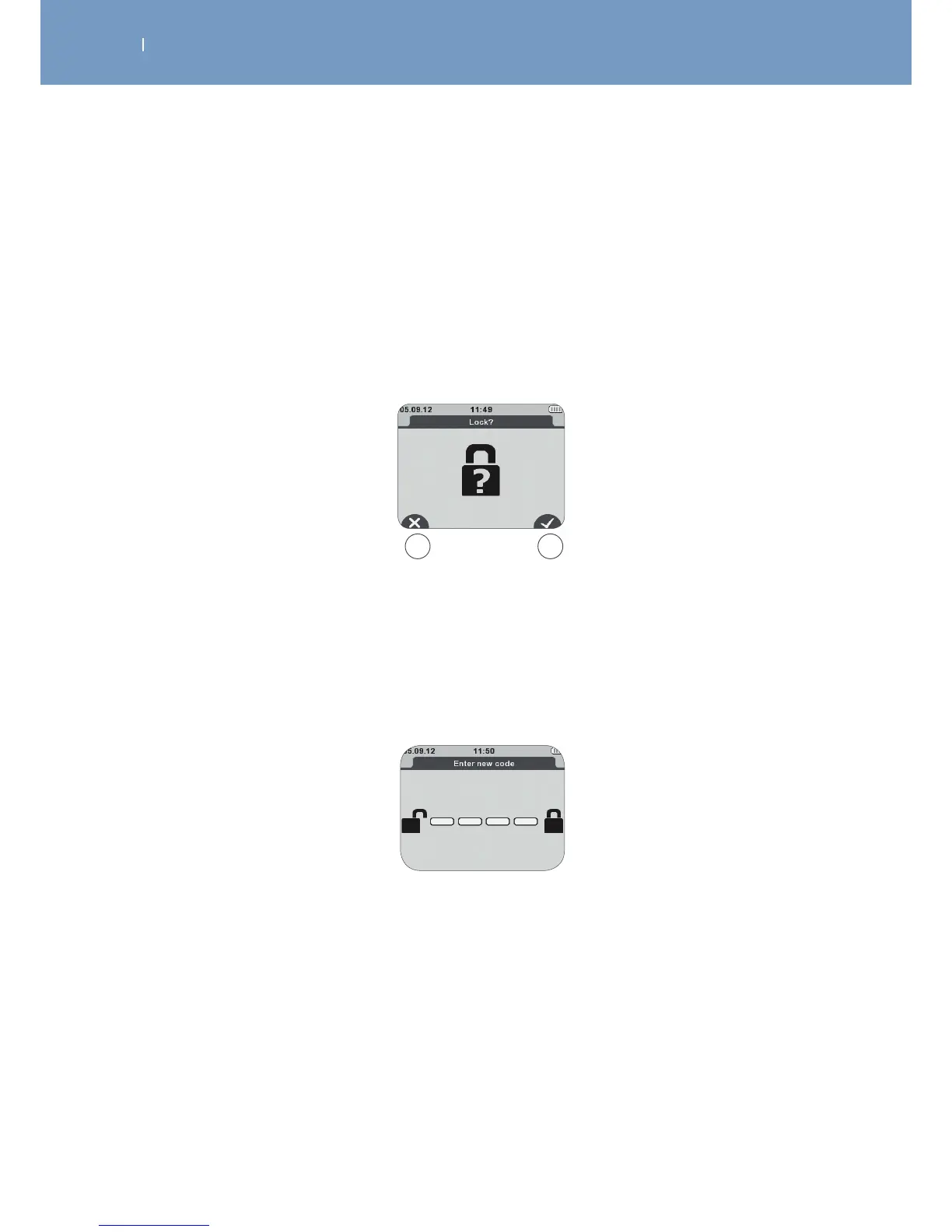
The Remote Control will ask before each treatment whether the lock out function shall be active for this
treatment or not.
A Deactivation of the Lock function
B Activation of the Lock function
A B
Afterwards you will be asked to enter a code.
To enter the code you just need to press a combination of any four buttons.



 To Next Page