See also Chapter “Description of the Wireless Professional”
1. Turn the Remote Control on, by pressing the On/O button.
2. Upon activation the screen displays a list that gives you access to the categories of programmes.
3. Select a program category by using the navigation pad (up/down)
4. Confirm your choice with the centre button.
Note
- When you turn on the remote control the first time, the language set up will be displayed first.
Chose your preferred language and press the center button to proceed.
- Once you have created your list of favourite programmes, it will be displayed first after switching
on the remote control.
Note
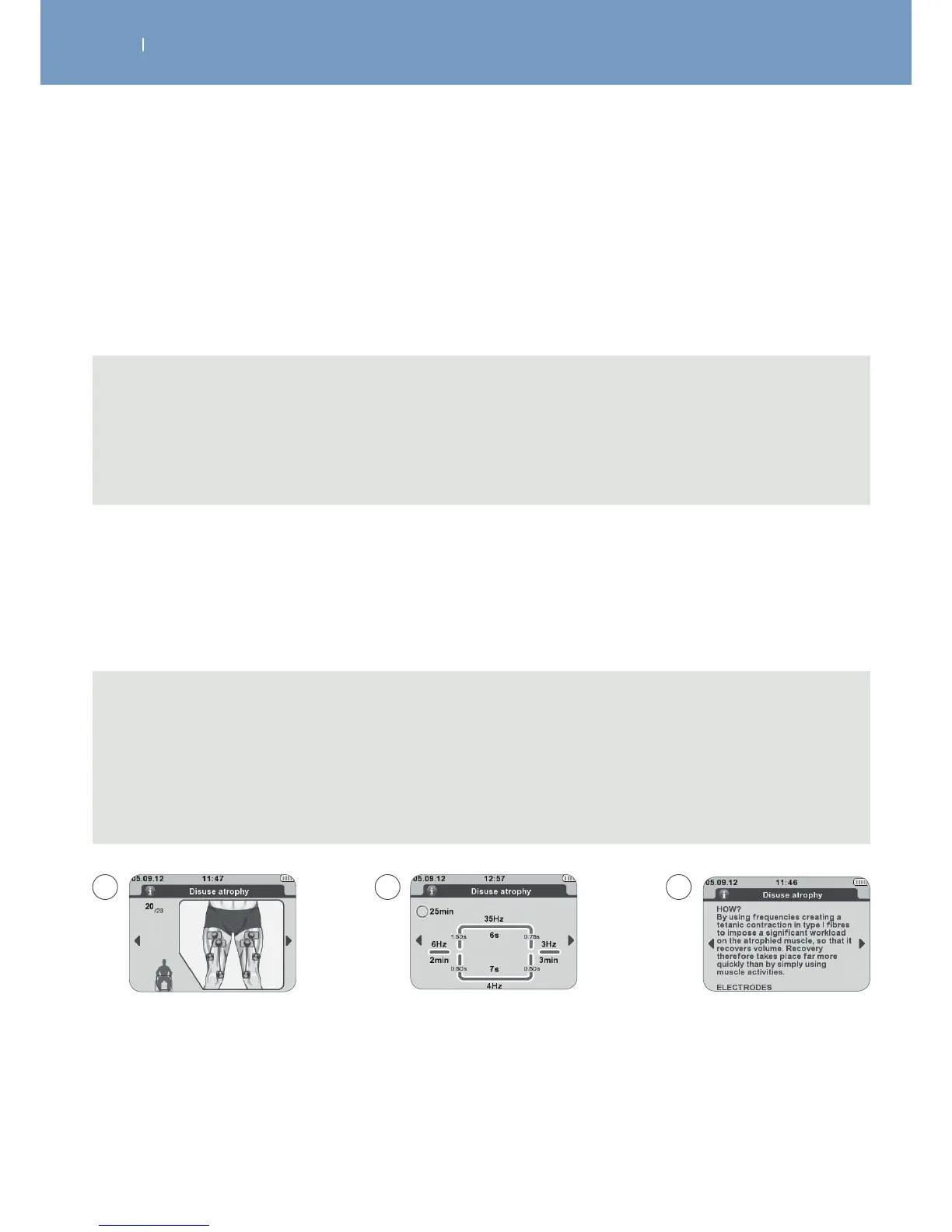
- Additional information about the programmes, such as electrode placement, program parameters
and program explanation, is available.
- Use the navigation pad (left/right) to display them and to scroll (up/down) within an explanation
for getting more information.
- You can find the program information as well within this manual.
5.1 Select a Program
After selecting a programme category the available programs within this category will be displayed.
To select a program, use the navigation pad (up/down) and confirm your choice with the centre button.
A Placement of electrodes applicable to the programme
B Programme parameters
C Programme explanation
A B C



 To Next Page