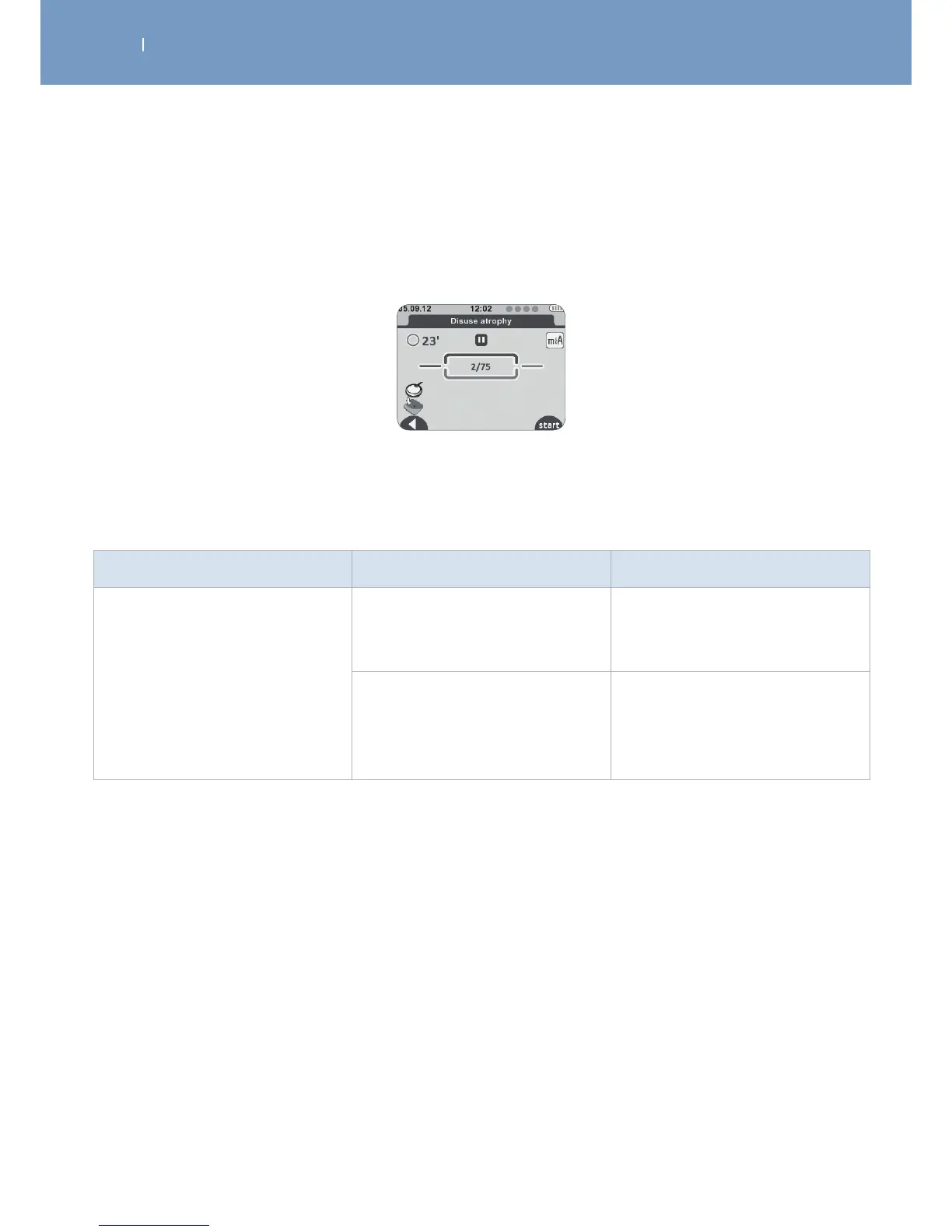
7.1 Errors shown on display
Problem Possible cause Solution
Electrode failure
Poor electrode connection to the
module
Check that the electrodes are
properly connected to the
module.
Poor electrode connection to the
skin
Check if the electrodes are
outdated, worn and/or the
contact is poor: try with new
electrodes.
The remote control shows the symbol of an electrode and a disconnected module.
Shown on the channel where the problem was detected (in this case channel 1):
Poor electrode/module contact



 To Next Page