Rack Mounting
16 | Check Point 4000 Appliances Getting Started Guide
Attaches to the sides of the appliance.
Attaches the appliance rails to the appliance.
Attaches the rack rails to the racks.
For use with round-hole racks.
Attaches the rack rails to racks with round-holes.
Attaches the round-hole rack plates to the racks.
Rack Mounting Tools
Philips screwdriver. We recommend a screwdriver with a magnetic head to hold screws and
retrieve dropped screws.
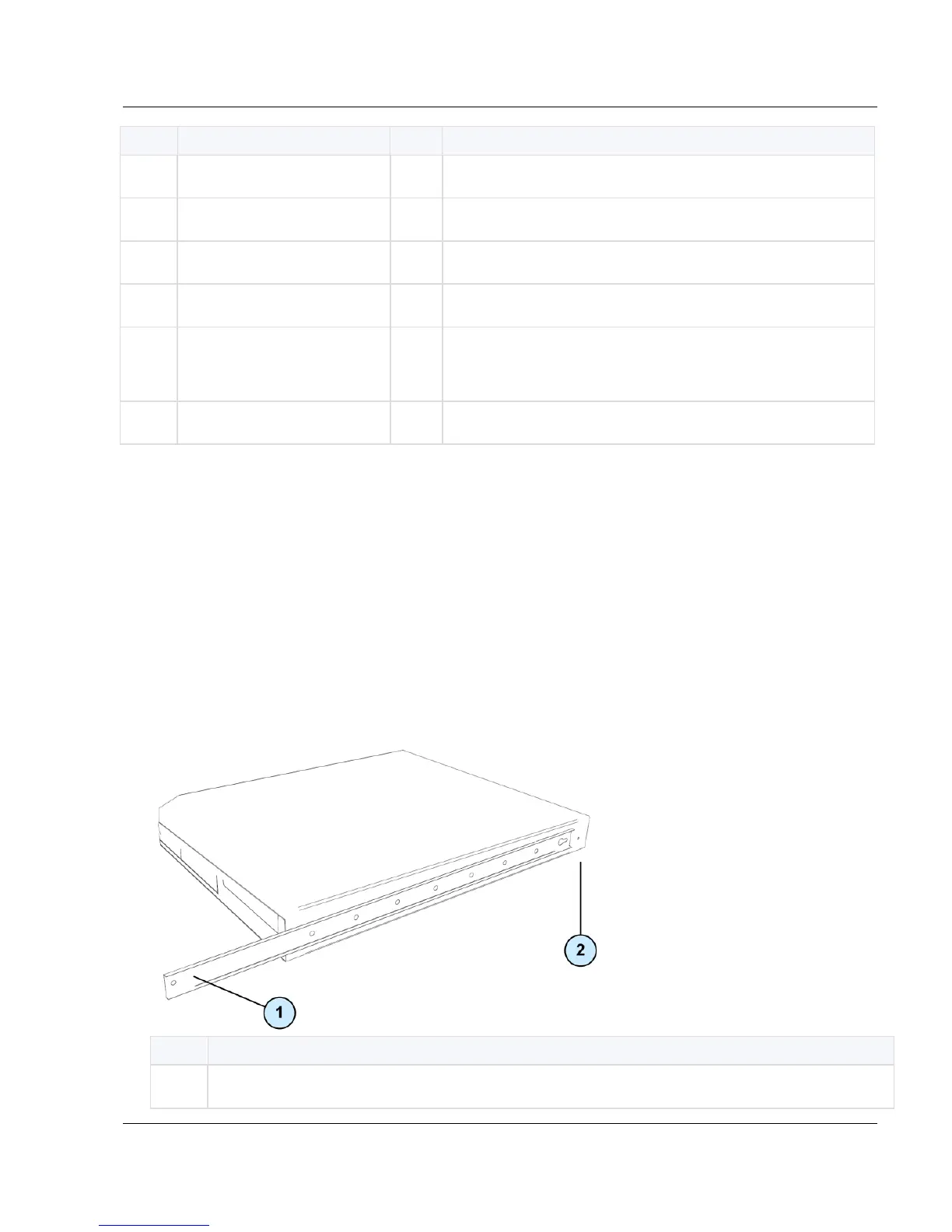
Attaching the Appliance Rails
Use three flat-head screws to attach each appliance rail to the side of the appliance.
The appliance rail for the right-side of the appliance is marked RH.
The appliance rail for the left-side of the appliance is marked LH.
End of appliance rail with round hole.






 To Next Page