Restoring Factory Defaults
Check Point 4000 Appliances Getting Started Guide | 49
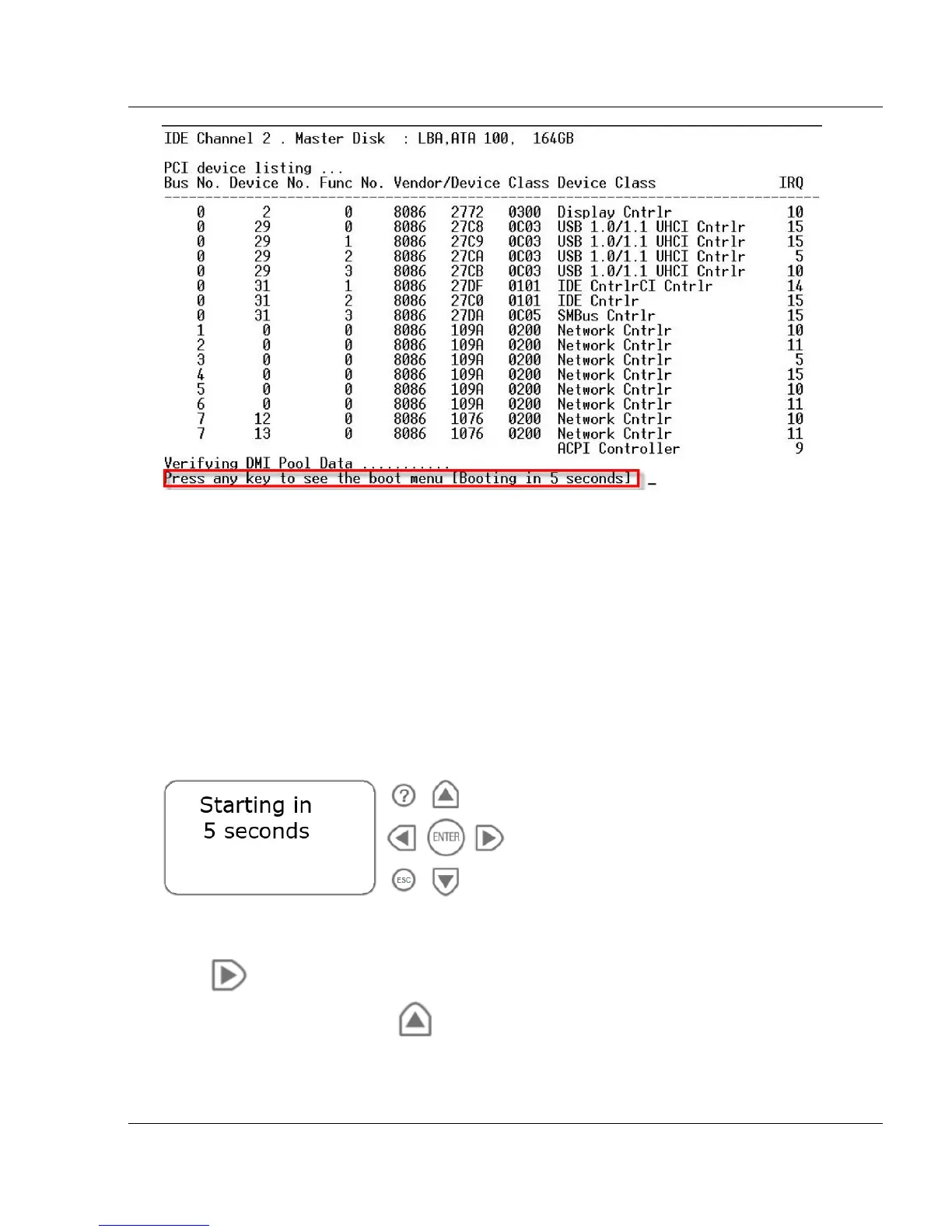
9. When this message is shown, you have approximately four seconds to hit any key to
activate the Boot menu.
10. From the Boot menu, select the relevant Reset to factory defaults image.
11. Press Enter.
Restoring Using the LCD Panel
To restore the appliance to its default factory configuration using the LCD Panel
keys:
1. Reboot or power on the appliance.
2. When the countdown begins, press any of the arrow keys.
The Boot menu appears.
3. Using the arrow buttons, scroll to the relevant default factory image.
4. Press .
5. Confirm the reset by pressing .






 To Next Page