Rack Mounting
20 | Check Point 4000 Appliances Getting Started Guide
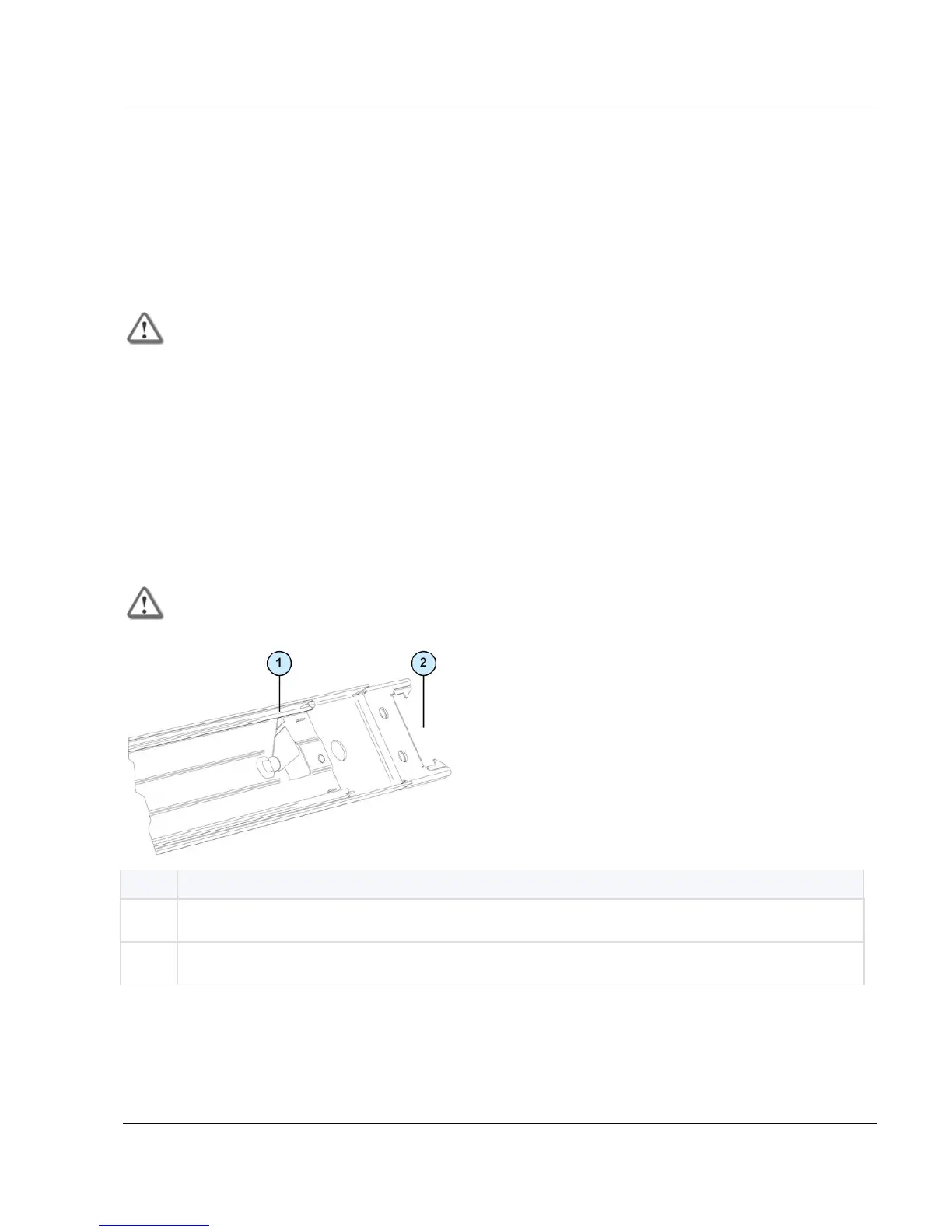
This piece locks the inner clips and does not let you detach the front of the rack rail
from the rack.
7. Do steps 1 through 6 again for the right rack rail.
Installing the Appliance in the Rack
Install the appliance in the sliding rails in the rack.
Important - The appliance is heavy and it is necessary to use two people to hold and install
the appliance in the rack to prevent personal injury and damage to the appliance.
To install the appliance in the rack:
1. Set the appliance until the appliance rails are level with the rack rails.
2. Move the appliance into the rack until the sliding rails click.
The sliding rails are locked.
Removing the Appliance
Unlock the sliding rails to remove the appliance from the rack.
Important - The appliance is heavy and it is necessary to use two people to hold and install
the appliance in the rack to prevent personal injury and damage to the appliance.
To remove the appliance from the rack:
1. Move the appliance away from the rack as far as possible.
2. On the appliance rail, push the release lever and move the appliance away from the rack
rail.






 To Next Page