Rack Mounting
Check Point 4000 Appliances Getting Started Guide | 19
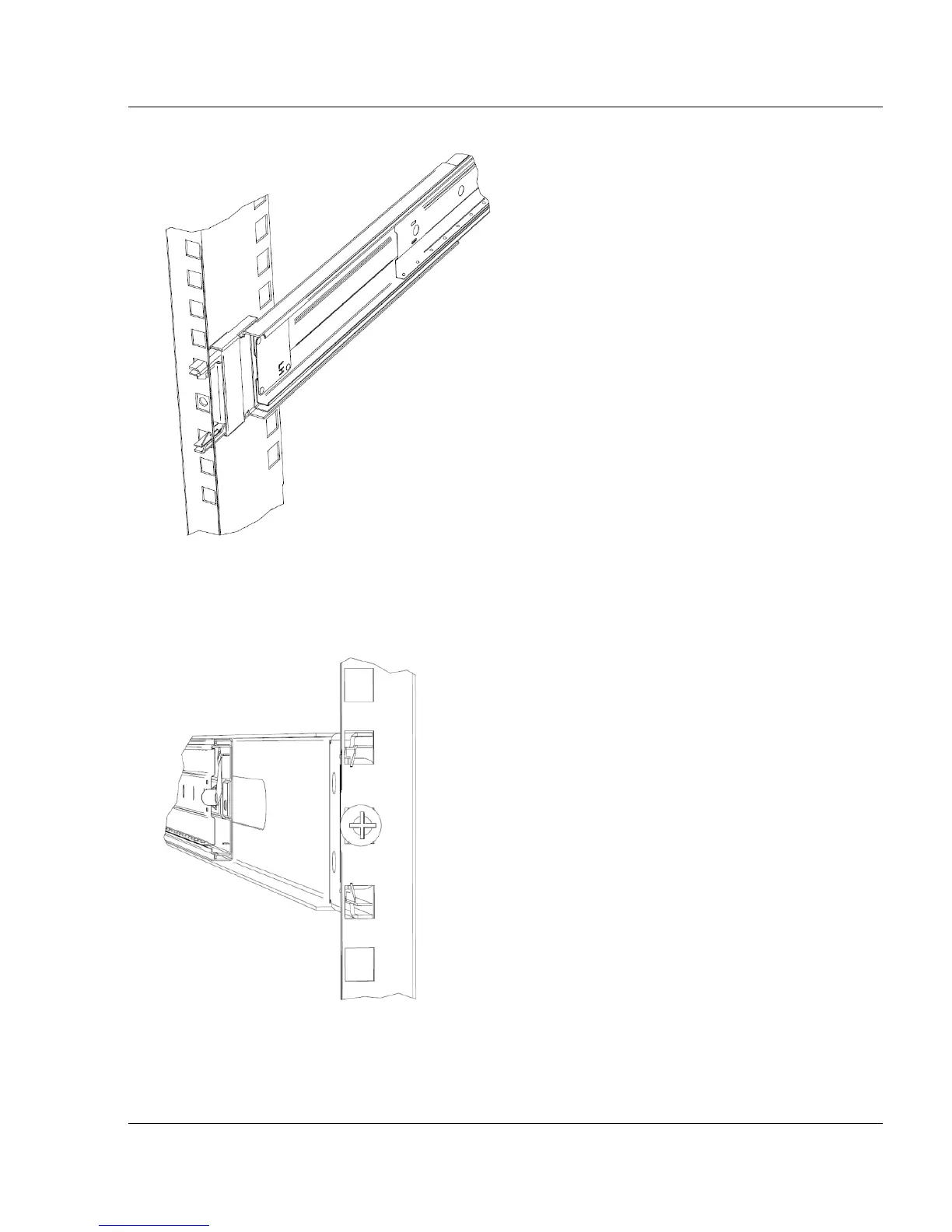
2. Insert the front of the left rack rail into the rack until it clicks into place.
3. From the rear of the rack, align the rear of the rack rail with the same rack number.
The rear of the rack rail is marked with the word REAR.
4. Insert the rear of the left rack rail into the rack until it clicks into place.
5. From the rear of the rack, use a round-head screw to secure the rack rail to the rack.
6. From the front of the rack, do these steps.
a) Use a round-head screw to secure the rack rail to the rack.
b) Slide the yellow locking piece toward the front of the rack.






 To Next Page