Check Point 4000 Appliances Hardware
42 | Check Point 4000 Appliances Getting Started Guide
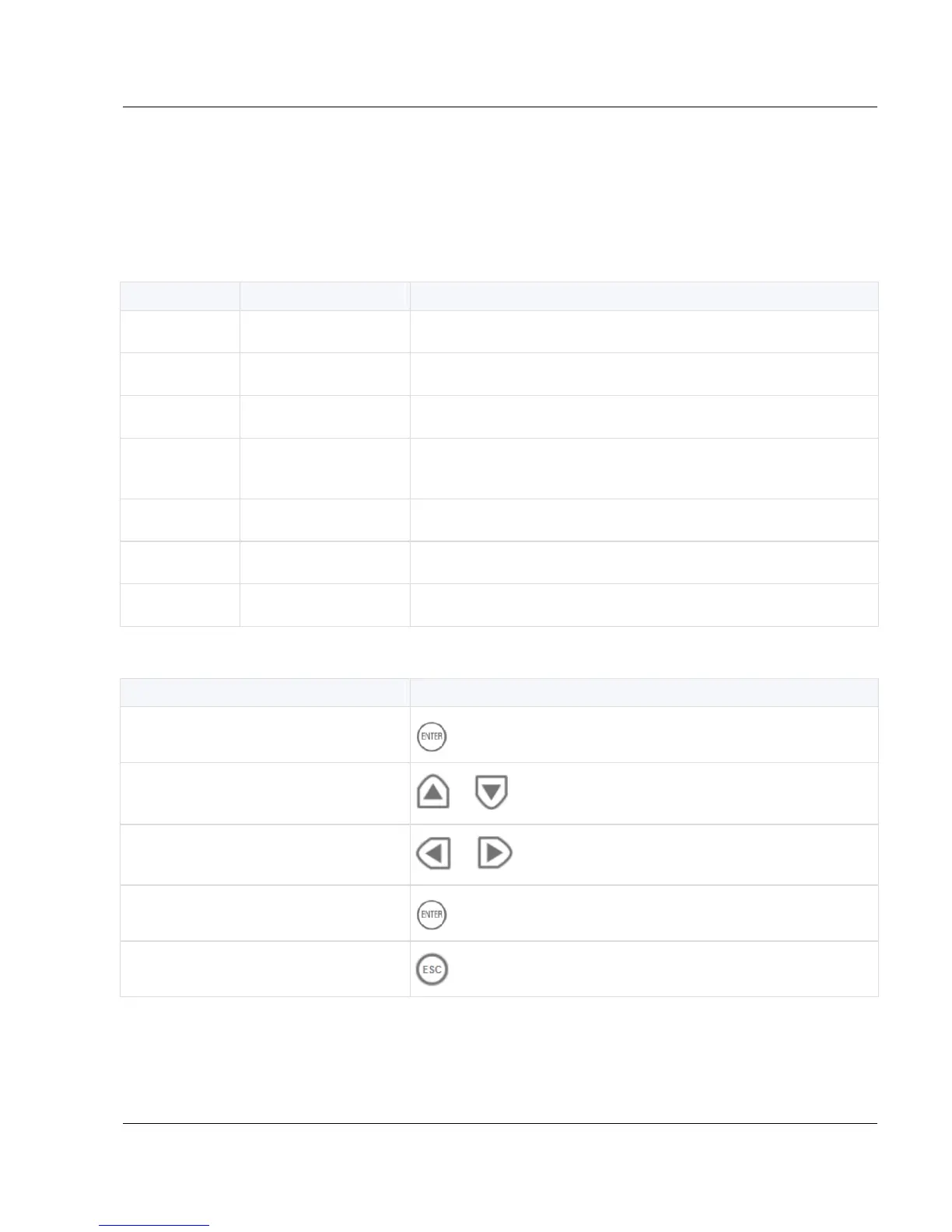
Using the LCD Panel
The appliance has an LCD panel that you can use to do basic management operations. You
can enable DHCP. You can configure the management IP address, netmask, and default
gateway of the appliance. You can reboot the appliance.
Menu Options






 To Next Page