Configuring Check Point 4000 Appliances
28 | Check Point 4000 Appliances Getting Started Guide
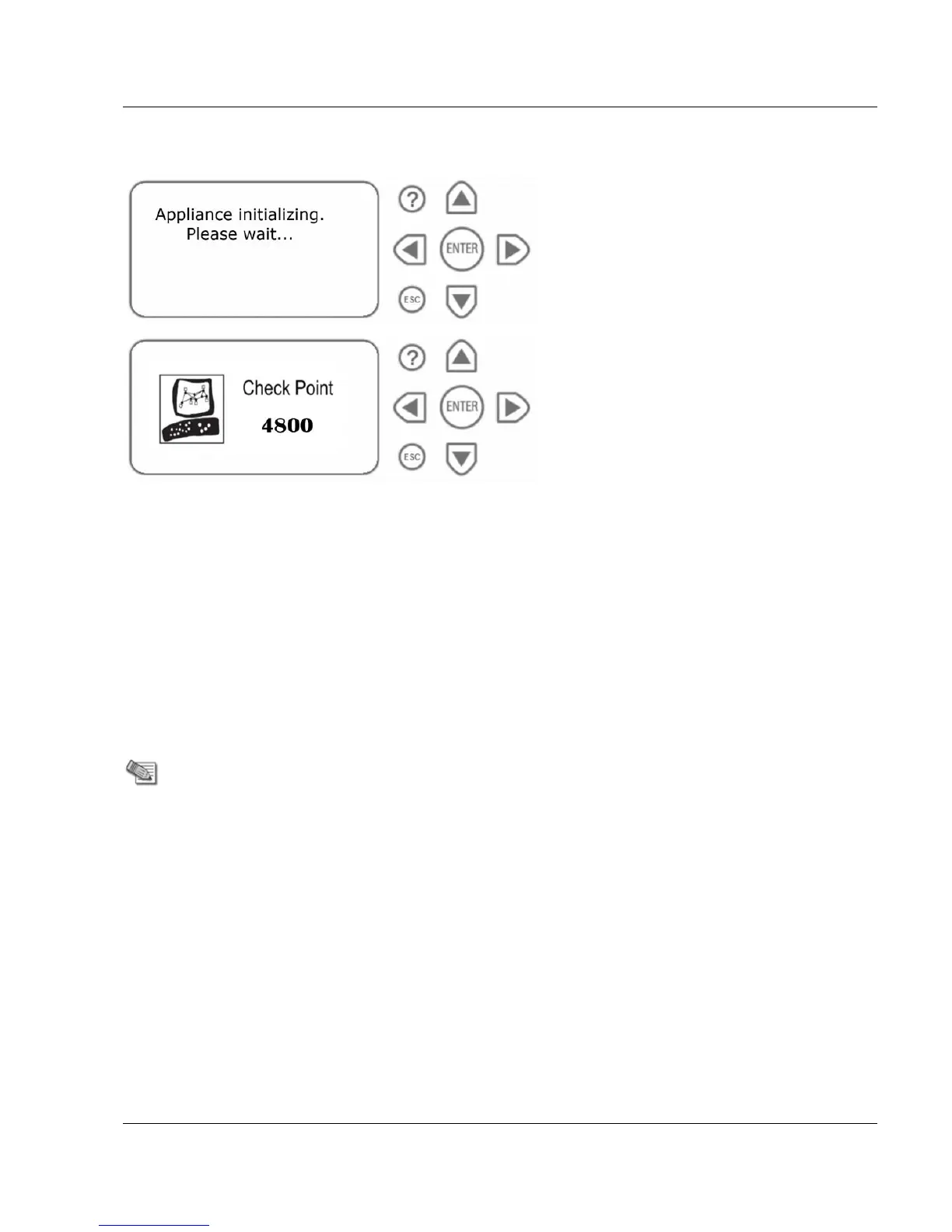
3. Wait for the appliance to initialize and boot. The status of the appliance appears on the
LCD screen:
The appliance is ready for use when the model number is displayed.
Available Software Images
Check Point 4000 Appliances comes with multiple software images. Select the software image
that you want to use.
Reverting to a software image takes a few minutes. To follow the progress and see when the
appliance is ready, connect to the appliance using a serial console.
For more about software images, see the Check Point 4000 Appliances home page
(http://supportcontent.checkpoint.com/solutions?id=sk68681).
Initial Configuration
Do the initial configuration of the appliance with the First Time Configuration Wizard.
There are different First Time Configuration Wizard options for the Gaia and the
SecurePlatform operating system.
Go to the applicable section:
Using the First Time Configuration Wizard on Gaia (on page 29)
Using the First Time Configuration Wizard on SecurePlatform (on page 34)






 To Next Page