Configuring Check Point 4000 Appliances
32 | Check Point 4000 Appliances Getting Started Guide
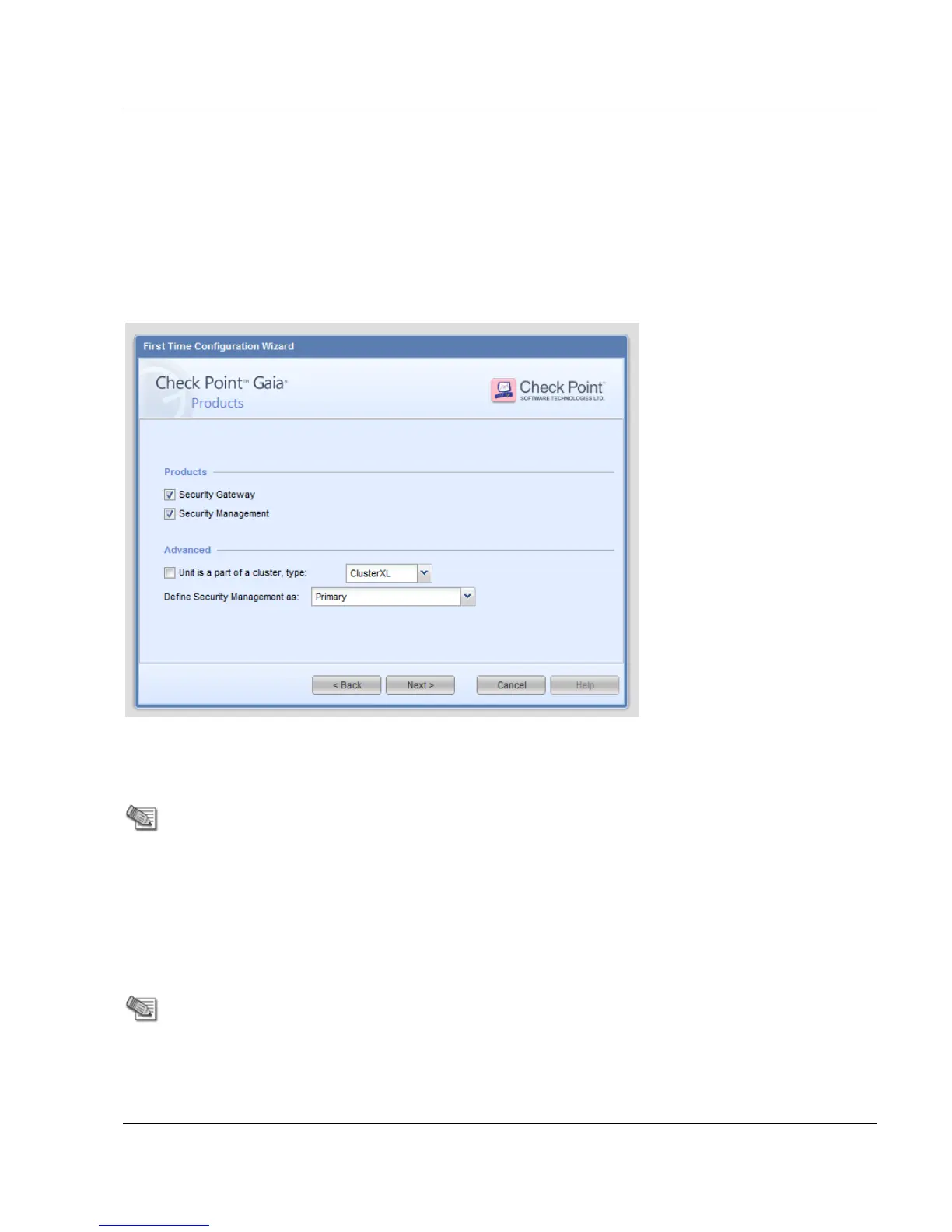
VRRP - For more about VRRP clusters, see the applicable version of the Gaia
Administration Guide.
Define Security Management as - In a Management High Availability deployment, define
this Security Management server as Primary or Secondary. For more about Management
High Availability, see the applicable version of the Security Management Administration
Guide.
Search for these guides in the Support Center
(http://supportcontent.checkpoint.com/solutions?id=sk76540).
Security Management Administrator
Define the name and password of an administrator that can connect to the Security
Management server using SmartConsole clients.
Security Management GUI Clients






 To Next Page