To attach the appliance rails:
1. Set the right-side appliance rail on the right-side of the appliance.
The flatter side of the appliance rail faces the appliance.
The end of the appliance rail with the round hole points away from the appliance.
For a 2U appliance, the appliance rail uses the lower row of holes on the appliance.
2. Use three flat-head screws to attach the appliance rail to the appliance.
3. Do steps 1 and 2 again for the left side of the appliance.
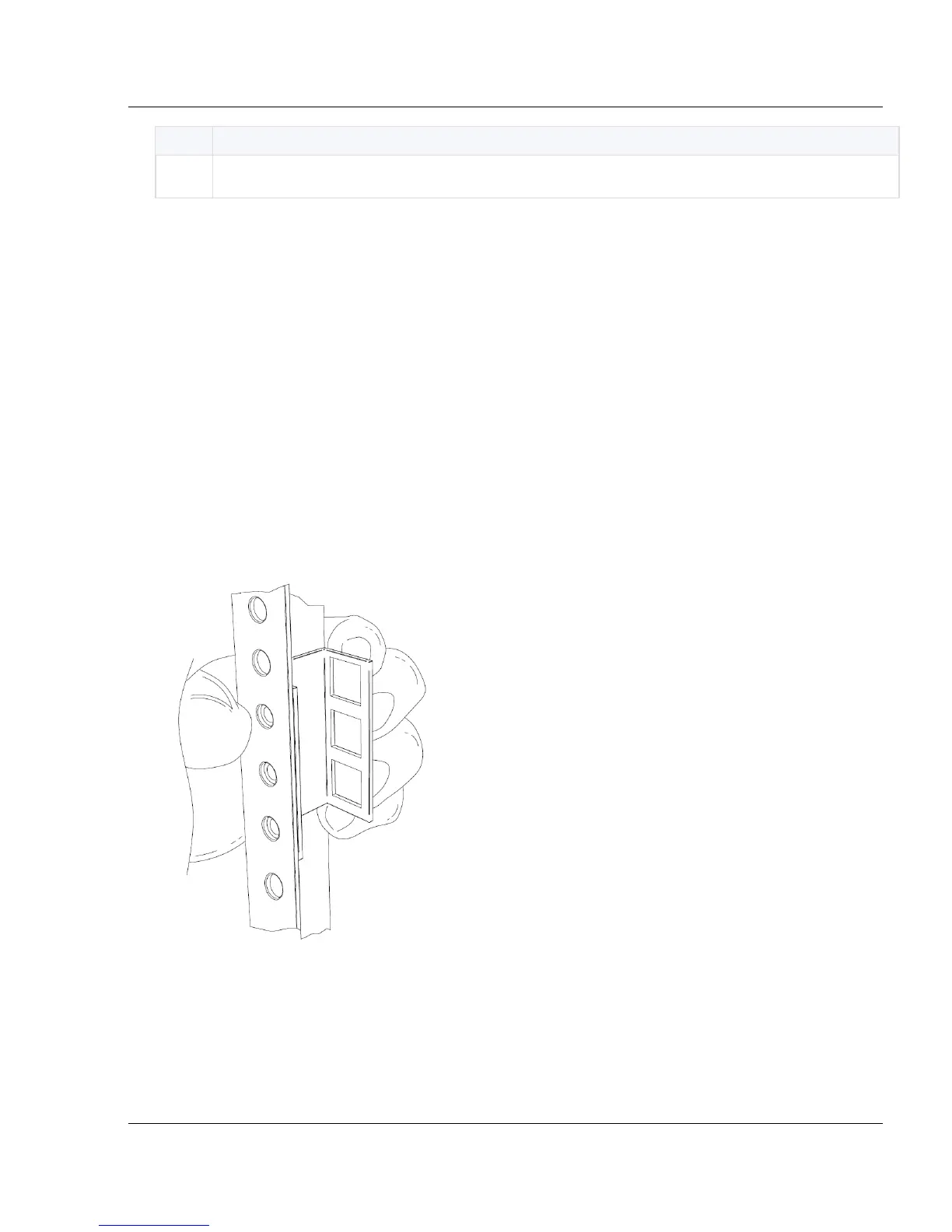
Preparing Round-Hole Rack Rails
Use the four round-hole rack plates to attach the rack rail to the rack.
To attach the round-hole rack plates:
1. Align the round-hole rack plate on the rack.
Make sure that the round holes face the rack.
2. Use three large round-head screws to attach the round-hole rack plate to the rack.
Make sure that you use the same rack number for all the round-hole rack plates.
3. Do steps 1 - 2 again for the other round-hole rack plates.






 To Next Page