Configuring Access Policy
To configure your access policy using standard
categories:
1.
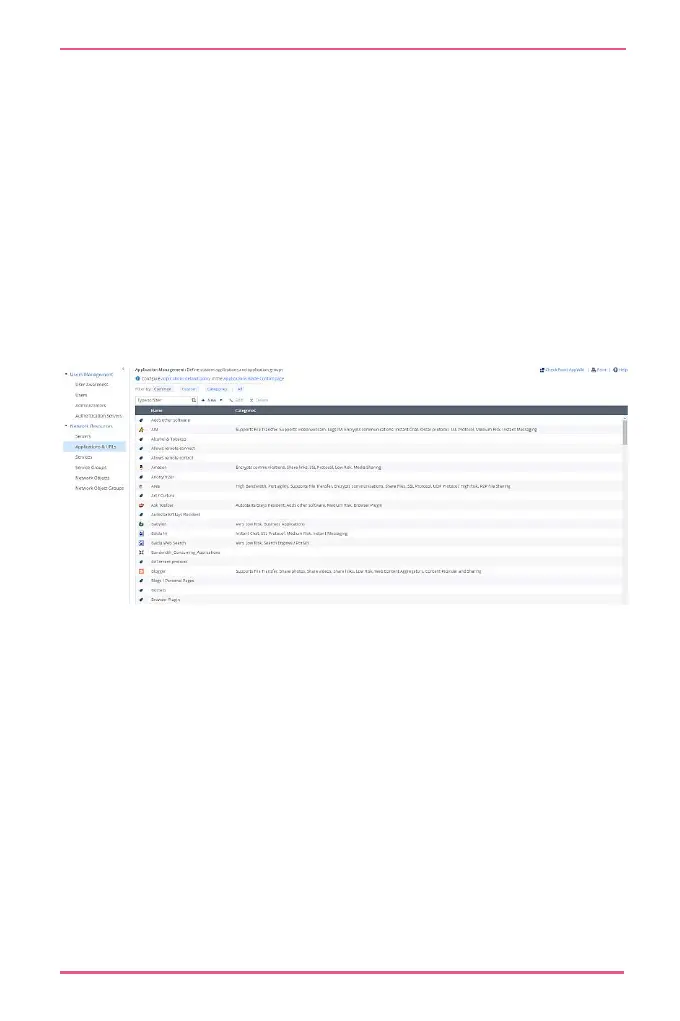
Go to Users & Objects > Applications & URLs.
Click applications Default Policy or Applications Blade
Control page.
Select the applications and URLs to block.
Click Apply.
Blocking Specific Applications or
URLs
To customize your access policy:
1.
Go to Users & Objects > Applications & URLs.
Click Applications Default Policy or Applications Blade
Control page.










 To Next Page