Configuring Local System
Administrators
We recommend you configure your system so an administrator
can log in from a specific network only.
To configure local system Administrators:
1.
Go to Device > Administrators.
Click New.
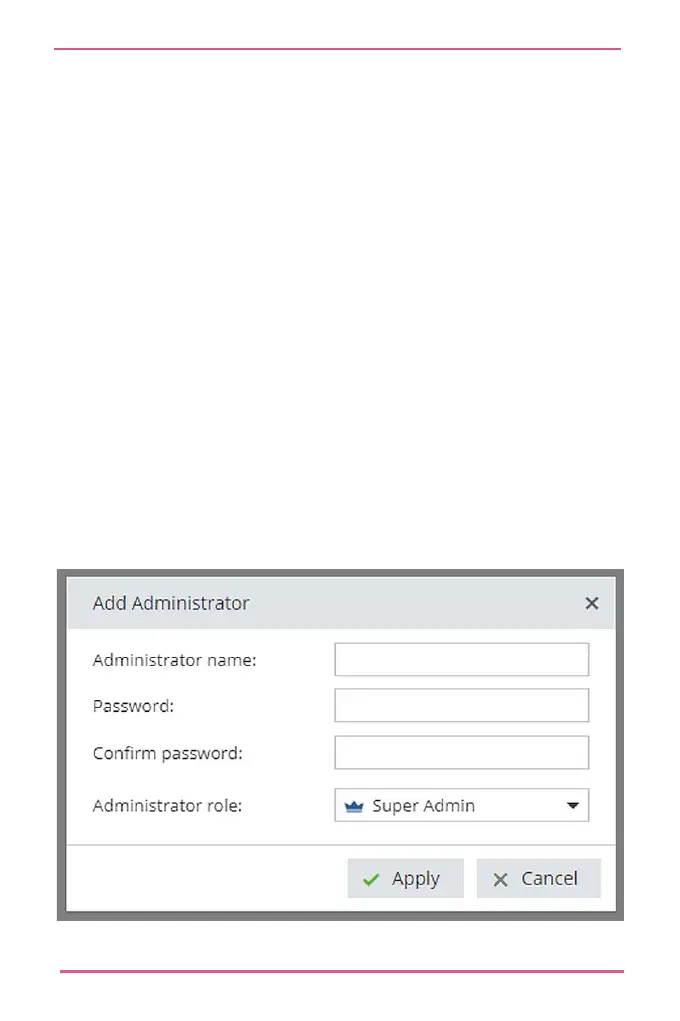
The Add Administrator window opens.
Enter Administrator Name and Password.
Note - You cannot use these characters in your password: {
} [ ] ` ~ | ’ "
Optional: To set the administrator with read-only
privileges, click Read-only Administrator.
Click Apply.










 To Next Page