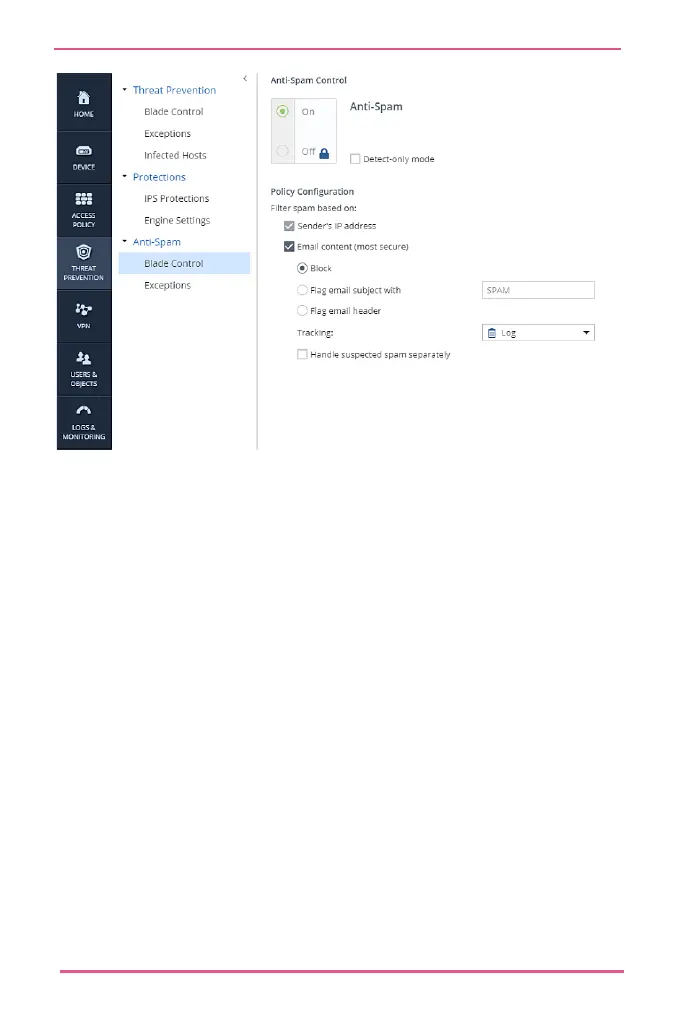
Configuring Anti-Spam Exceptions
You can configure which senders, domains, or IP addresses are
not considered spam. Emails from these senders are not
inspected.
You can also identify specified senders, domains or IP
addresses for the Anti-Spam engine to automatically block.
To configure Anti-Spam exceptions:
1.
Go to Threat Prevention > Anti-Spam.
Click Exceptions.
Note - Filter Spam based on: Email content must be
activated on the Anti-Spam Blade control page to apply
Anti-Spam policies.










 To Next Page