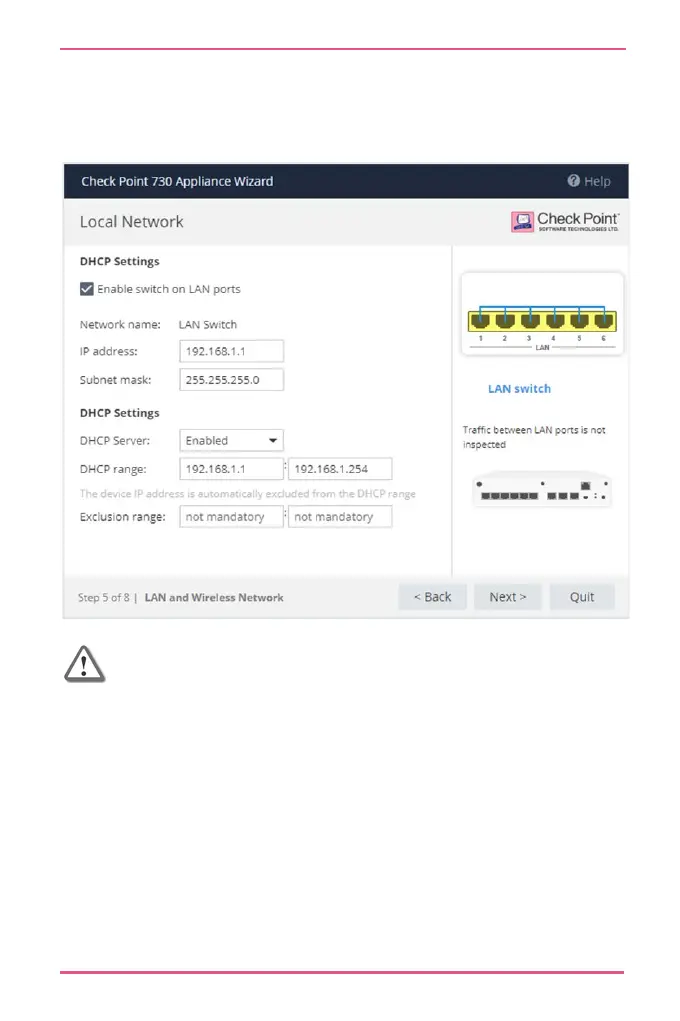
The appliance's IP address is automatically excluded from the
range. For example, if the appliance IP is 1.1.1.1, the range
also starts from 1.1.1.1, but will exclude its own IP address.
Important - If you choose to disable the switch on
LAN ports (clear the checkbox), make sure your
network cable is placed in the LAN1 port. Otherwise,
connectivity will be lost when you click Next.










 To Next Page