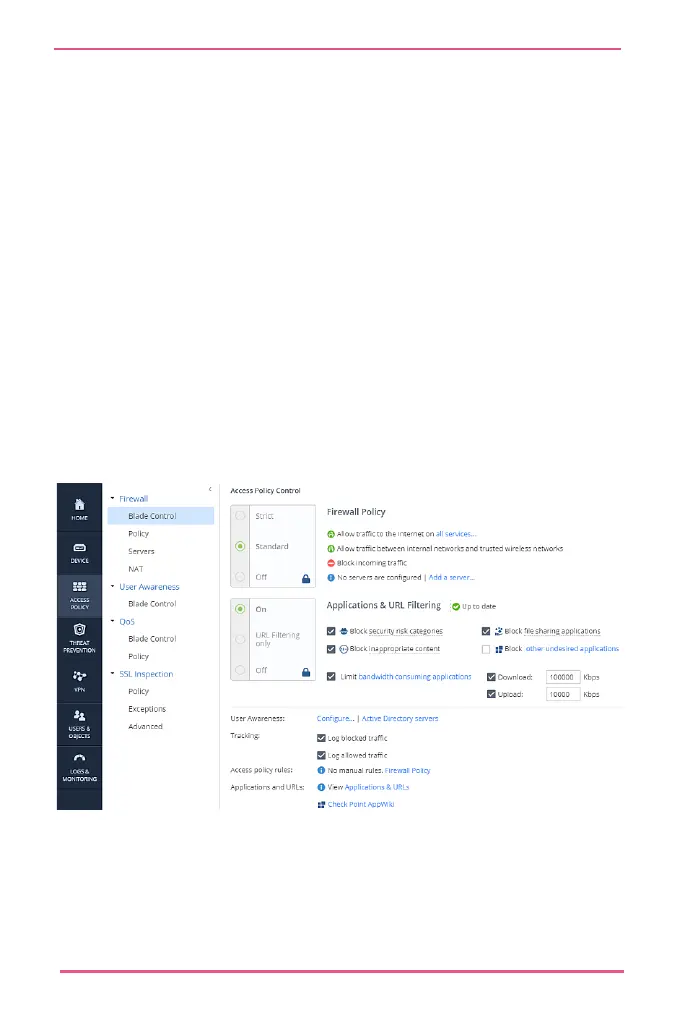
These are the security levels:
• Standard (Default) - Allows outgoing traffic on configured
services, and traffic between internal and trusted wireless
networks. Blocks incoming unencrypted traffic.
• Strict - Blocks all traffic in all directions.
• Off - Allows all traffic. Manually defined rules are not
applied.
Note - When the firewall is deactivated, your network is not
secured.
To add access policy rules:
Go to Access Policy > Firewall Policy.
You can also define access to specified servers.










 To Next Page