ECO 3 EXPERT Ultrasound Diagnostic System
Page 31 / 191
side to video signal output port in the rear side.
3. Connect the printer line to print control port in the printer rear side, and connect the other side
to the print control port in the unit rear side.
4. Connect power cable of video printer to power system.
5. Adjust printer parameter preset according to the type of printing paper
CAUTION: Do not use any other power cable to replace 3-wire power cable manufacturer
provides, otherwise there is danger of electric shock.
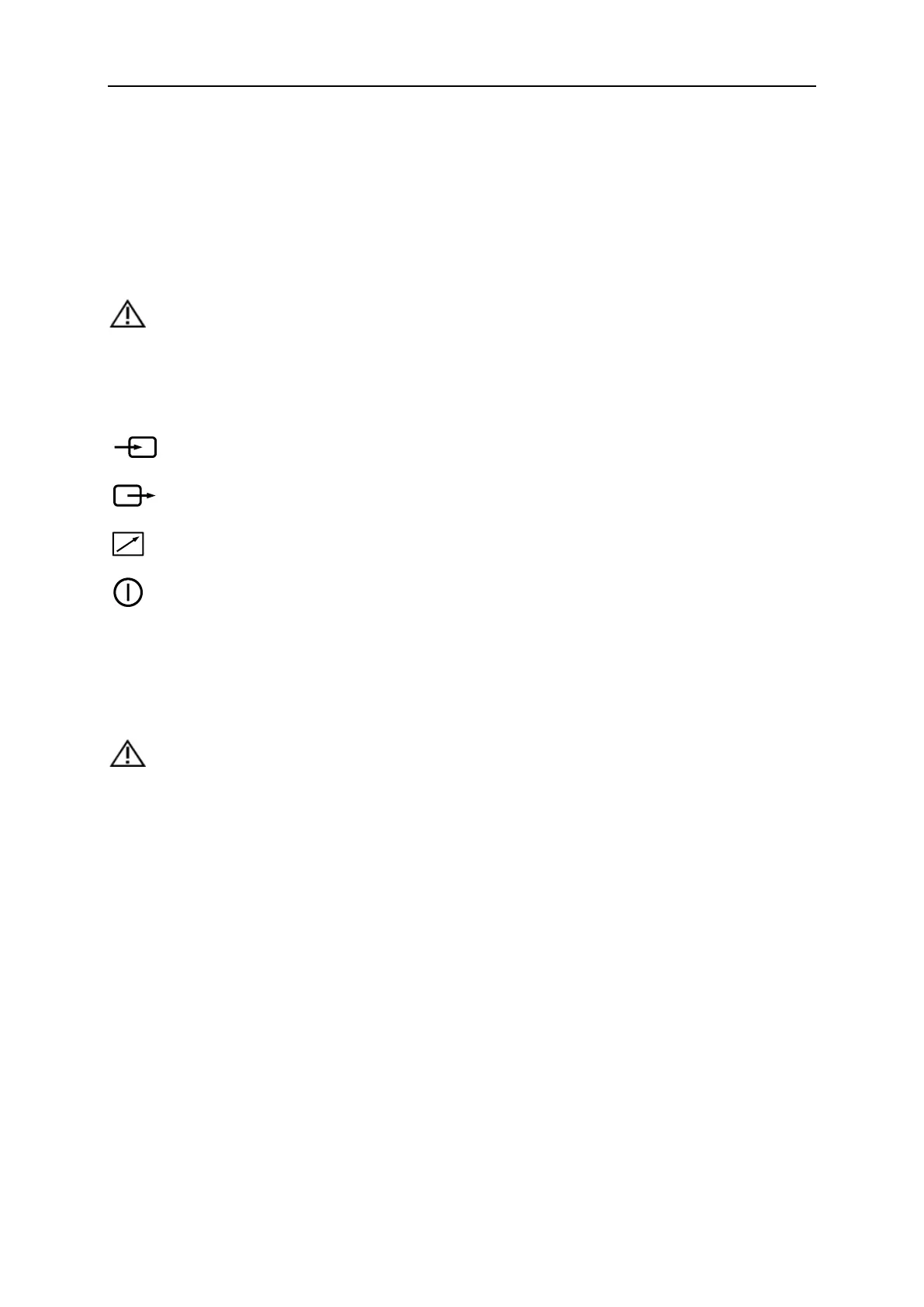
Video printer sign introduction
: Video signal input port
: Video signal output port
: Print control port
: Video printer switch
3.5.4.2 Graphic printer installation
Put graphic printer stably, connect printer cable to USB port in the left side of the unit.
Connect the power cable of graphic printer to power system.
CAUTION: Please see packing list for fundamental configuration!



 To Next Page