ECO 3 EXPERT Ultrasound Diagnostic System
Page 41 / 191
NOTE: The system has been set clinical application preset before leaving factory, each
probe has its own preset.
The detailed operation steps of the clinical application preset of the probe, please refer to the
preset section.
5.3 Patient Data Entry
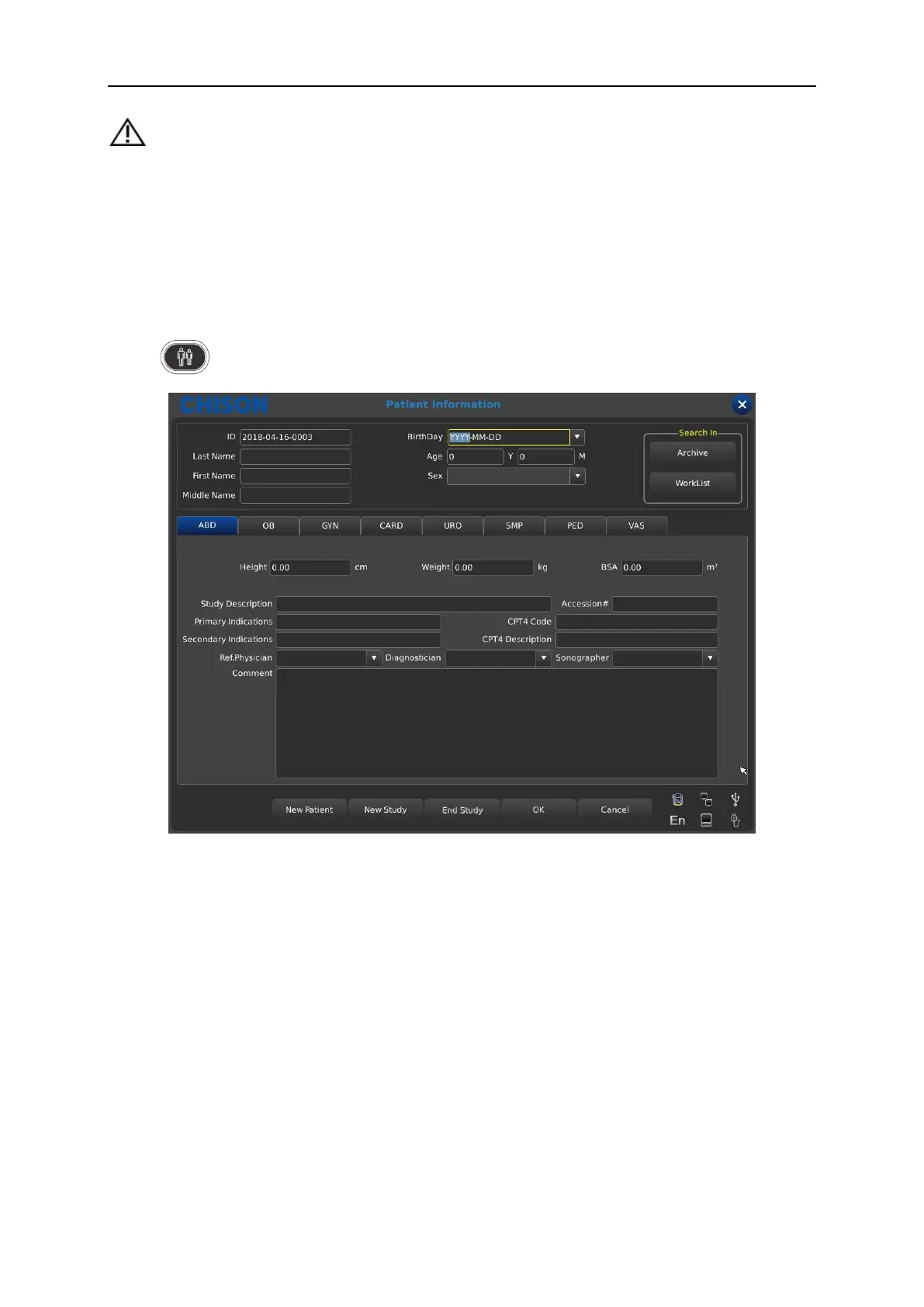
Press to display the Patient screen
Function Buttons on Patient screen:
Archive: Operation on the patient information which has already existed;
Worklist: Recall patient information in worklist. And need to open the DICOM function;
New Patient: Create a new patient information identity;
New Study: Choose exam applications (OB、GYN、CARD and so on) for the new patient;
End Study: Edit patient’s exam item;
OK: Save patient information;
Cancel: Cancel the operation of new patient information;
Operation Methods:



 To Next Page