ECO 3 EXPERT Ultrasound Diagnostic System
Page 32 / 191
Chapter 4 Control Panel
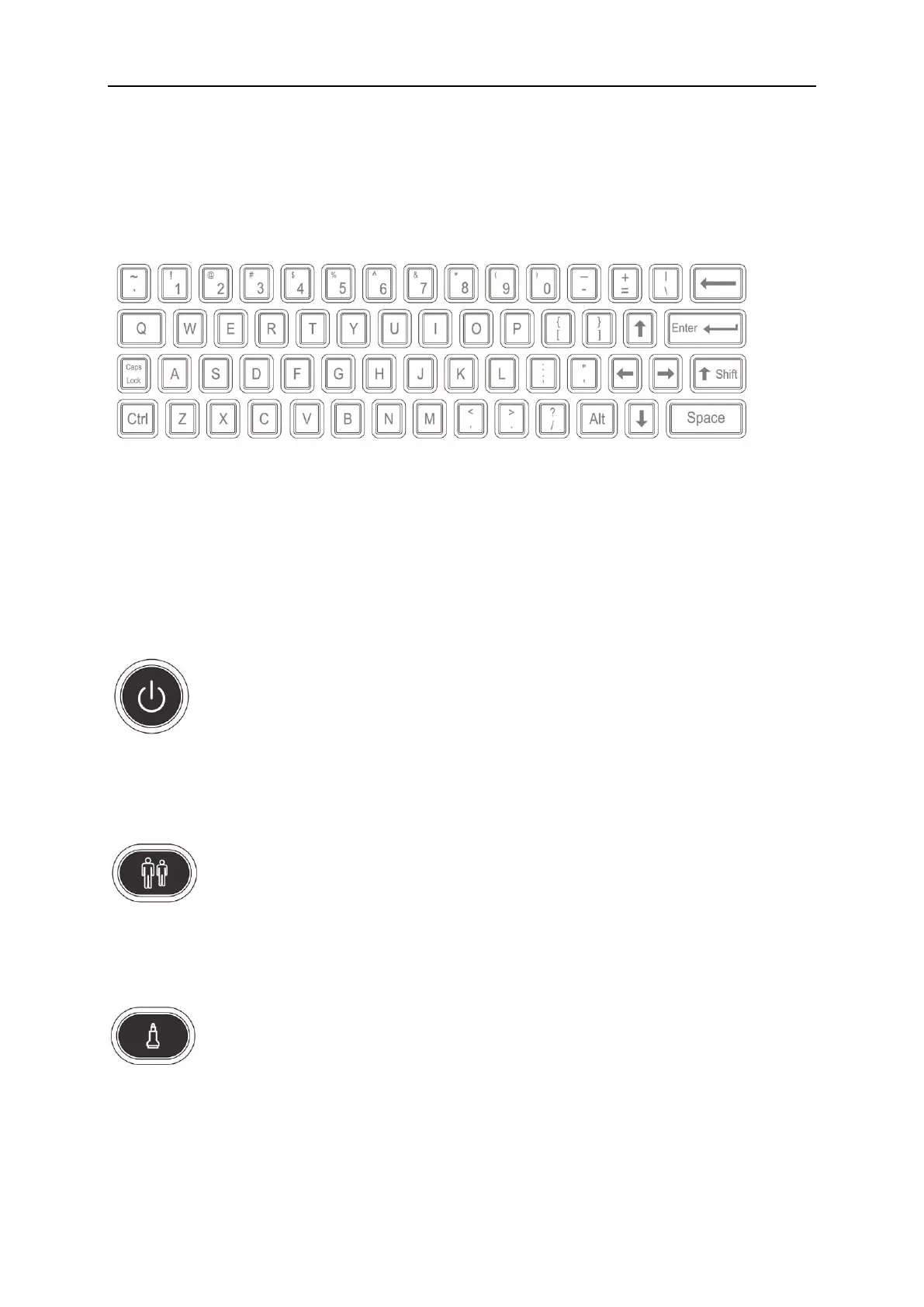
4.1 Alphanumeric Keyboard
Fig. 4-1 Alphanumeric Keyboard
The alphanumeric keys are used for inputting patient number, name, character and figure etc.
4.2 Function Keys/Knob
4.2.1 SWITCH
Turn on or off the device
4.2.2 PATIENT
Set up a new patient data, input name and other information.
4.2.3 PROBE
Press this key for selecting probe. It can only select the connected probe.



 To Next Page