ECO 3 EXPERT Ultrasound Diagnostic System
Page 37 / 191
Press this key to enter into 4B mode.
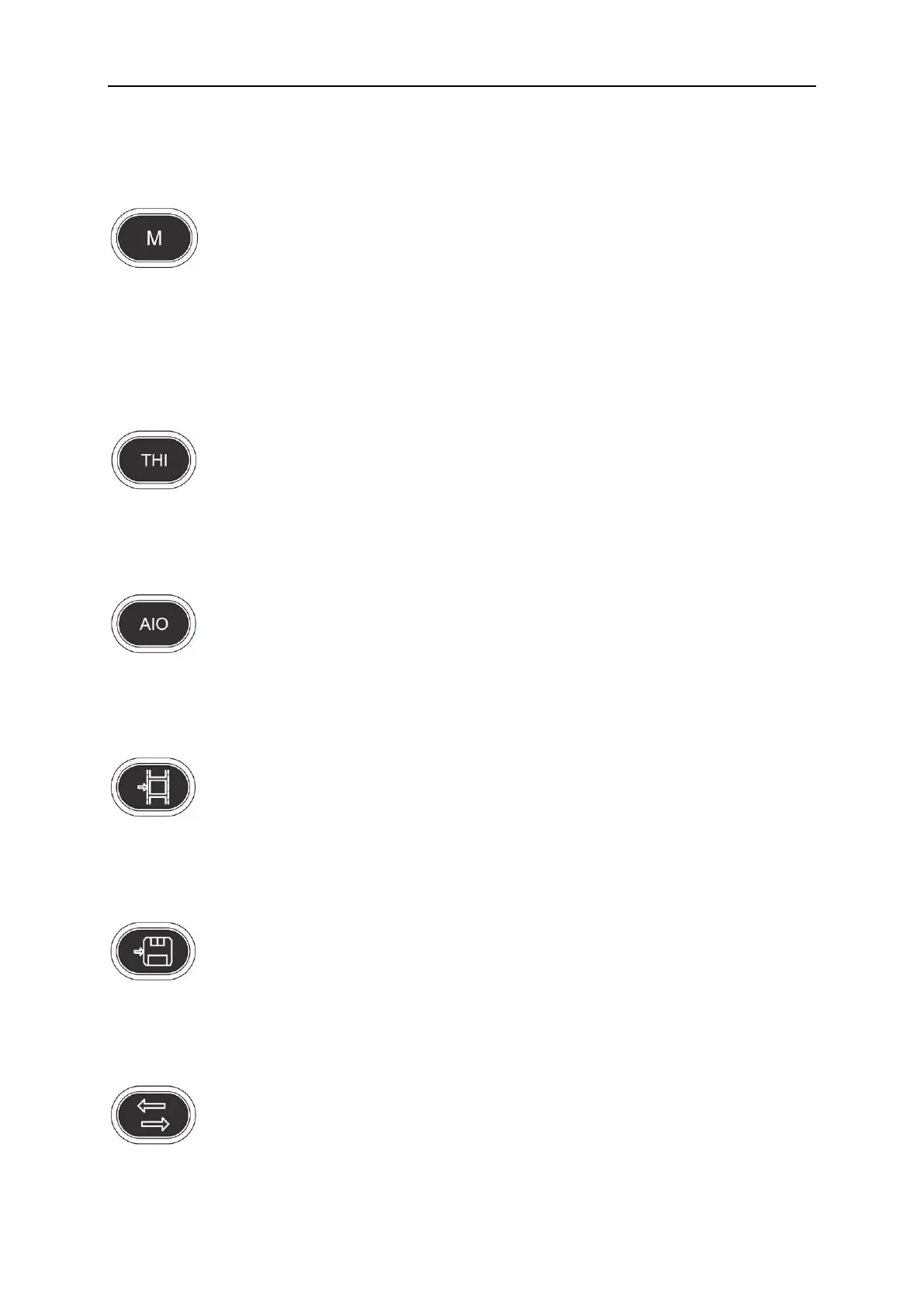
4.4.4 M
Press this key to change the mode between B/M and M.
4.5 Control of Image
4.5.1 THI
Press this key to open or close the THI function.
4.5.2 AIO
Only press this key for automatic optimization image.
4.5.3 CINE
Only press this key to save the current cine loop.
4.5.4 SAVE
Only press this key to save the current image.
4.5.5 Left and Right Invert
Press this key to invert the image from left and right.



 To Next Page