ECO 3 EXPERT Ultrasound Diagnostic System
Page 34 / 191
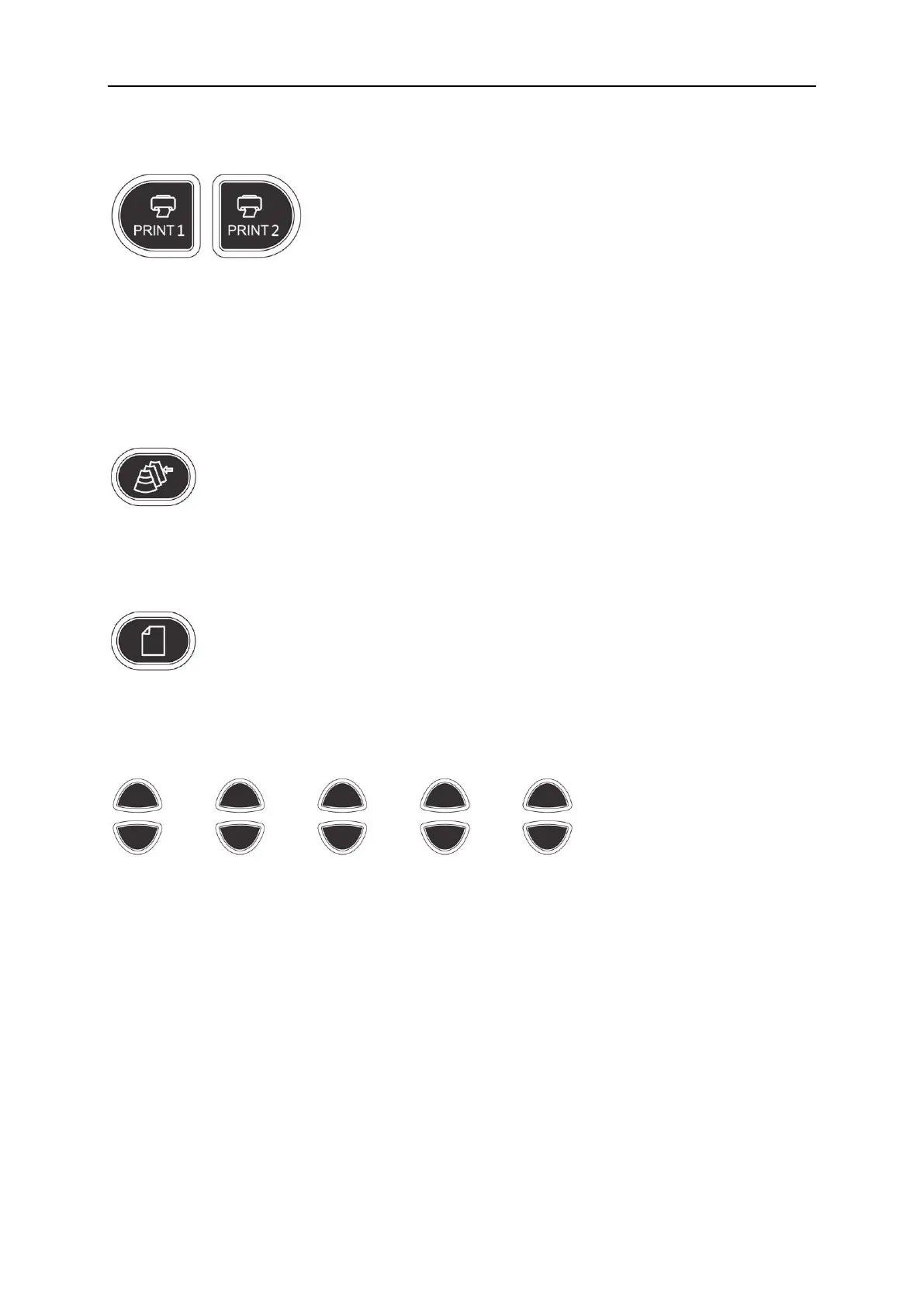
4.2.10 Print
PRINT1: Print the screen image by video printer connected to the system.
PRINT2: Print the report by printer connected to the system (Only report page works). Or print the
image in the scanning page; or print the image in the review page.
4.2.11 Review
File management of system, you can view and edit the patient data.
4.2.12 Report
Produce/ Save/ Recall an examination report.
4.2.13 Parameter Control Key
Increase/decrease the corresponding parameters of the screen, or open/close the function.



 To Next Page