Programmable AC Source 61501/61502/61503/61504 User’s Manual
3-8
2. When AC source output contains Vdc, it's better to restrict the value
of Vdc. It may cause damage if output polarity is reverse, especially
the load is polar.
3.5.4 I LIMIT, DELAY
Limitation of output RMS current, and delay time is the parameter for triggering over current
protection. The user can set both on SETUP functional list (see 3.5). The discussion of
limitation in this command is about user-programmable protection, not hardware protection.
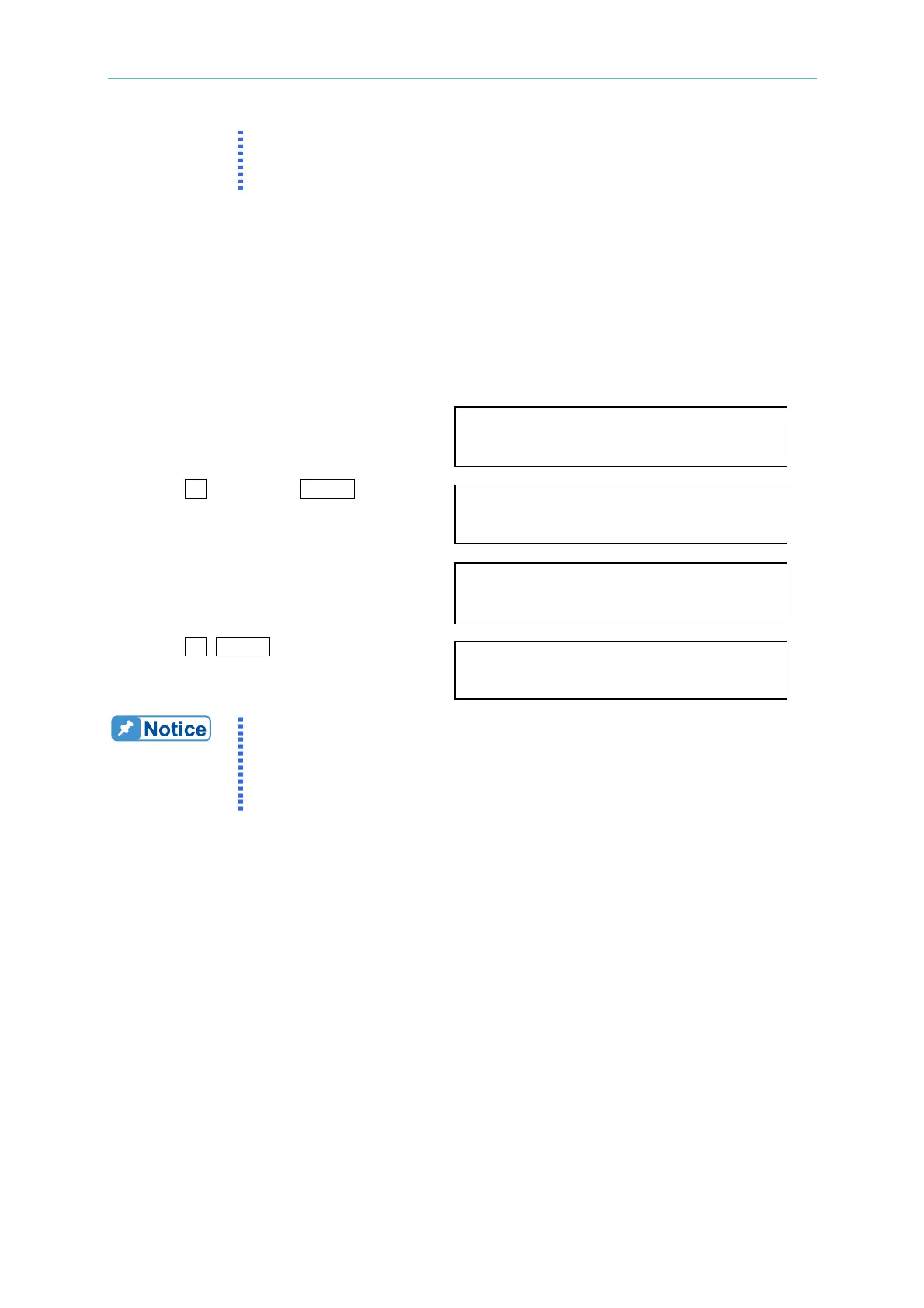
The procedures of setting Current limit = 4A, Delay time = 1 sec., are described as below:
1. Move the cursor to the command line
of “I LIMIT(A) = ”. I LIMIT(A) = 0.00_ DELAY(S) = 0.0
2. Press
4 , then press ENTER to change
the value to “4.00”. I LIMIT(A) = 4_ DELAY(S) = 0.0
3. The cursor moves to the command line
of “DELAY(S) = ” automatically. I LIMIT(A) = 4.00 DELAY(S) = 0.0_
4. Press
1 , ENTER to change the
value to “1.0”. I LIMIT(A) = 4.00 DELAY(S) = 1.0_
1. When " I LIMIT (A) = 0 ", means the limitation of output current is
equal to specification.
2. DELAY time is valid for eliminating transient current spike, but not
work when the output current is over specification. The resolution
is 0.5s.



 To Next Page