Programmable AC Source 61501/61502/61503/61504 User’s Manual
3-14
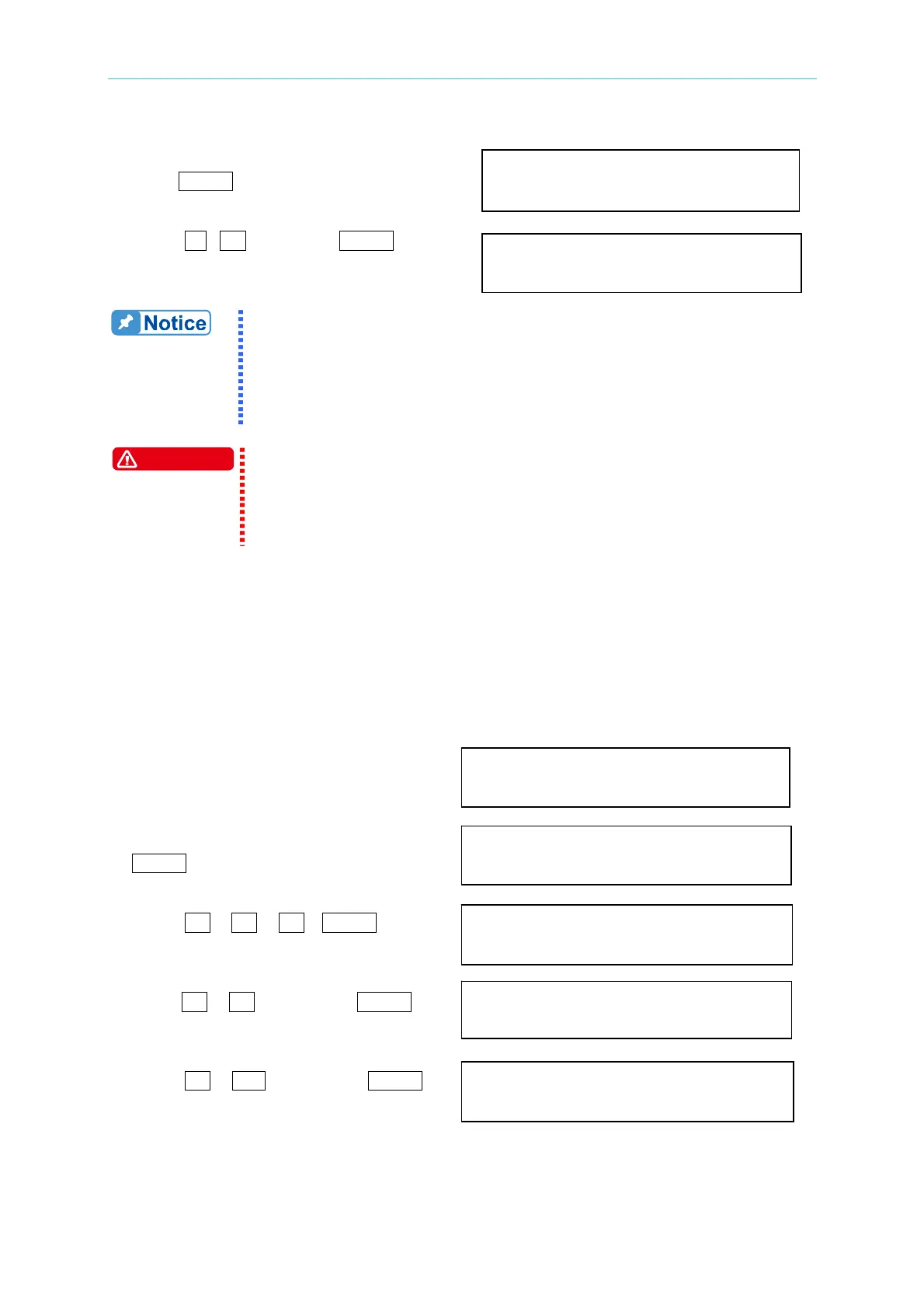
3. Turn RPG to change the option to “THD”,
press
ENTER . MODE = THD PERCENT = 0.0_ %
4. Press
1 , 0 then press ENTER to set
THD to 10%. MODE = THD PERCENT = 10.0 %
1. The clipped sine is programmed by “AMPlitude” or “Total Harmonic
Distortion”. Programming ranges from 0 to 100% for amplitude
(100%: no clipped sine), and from 0 to 43% for THD (0%: no
distortion).
2. User-defined waveform is defined on a remote PC and downloaded
from it. For detailed of factory DST waveform refer to Appendix B.
WARNING
1. When use user-defined waveform, if the waveform frequency is
over 1000Hz, it might cause AC source damage.
2. Because of the bandwidth limitation of AC source, the output may
distortion. Especially when external V reference consists of high
frequency composition.
3.6.4 POWER ON STATUS
The AC source allows the user to set the status of the output when power is switched on.
The user can set POWER ON STATUS on CONF functional list (see 3.6). After setting, the
user should save them before powering off (see 3.8.2).
To set the output is on, as 120 Vac, 50Hz, 10Vdc when power-on.
1. Move the cursor to the line of “POWER POWER ON STATUS: output = OFF_
ON STATUS: output =”.
2. Turn RPG to set output ON, then press POWER ON STATUS: output = ON
ENTER.
3. Press
1 , 2 , 0 , ENTER to Vac = 120.0 F=60.0_ Vdc = 0.0
set Vac=120.
4. Press
5 , 0 , then press ENTER Vac = 120.0 F=50.0 Vdc = 0.0
to set F=50.
5. Press
1 , 0 , then press ENTER Vac = 120.0 F=50.0 Vdc = 10.0
to set Vdc=10.



 To Next Page