Local Operation
3-27
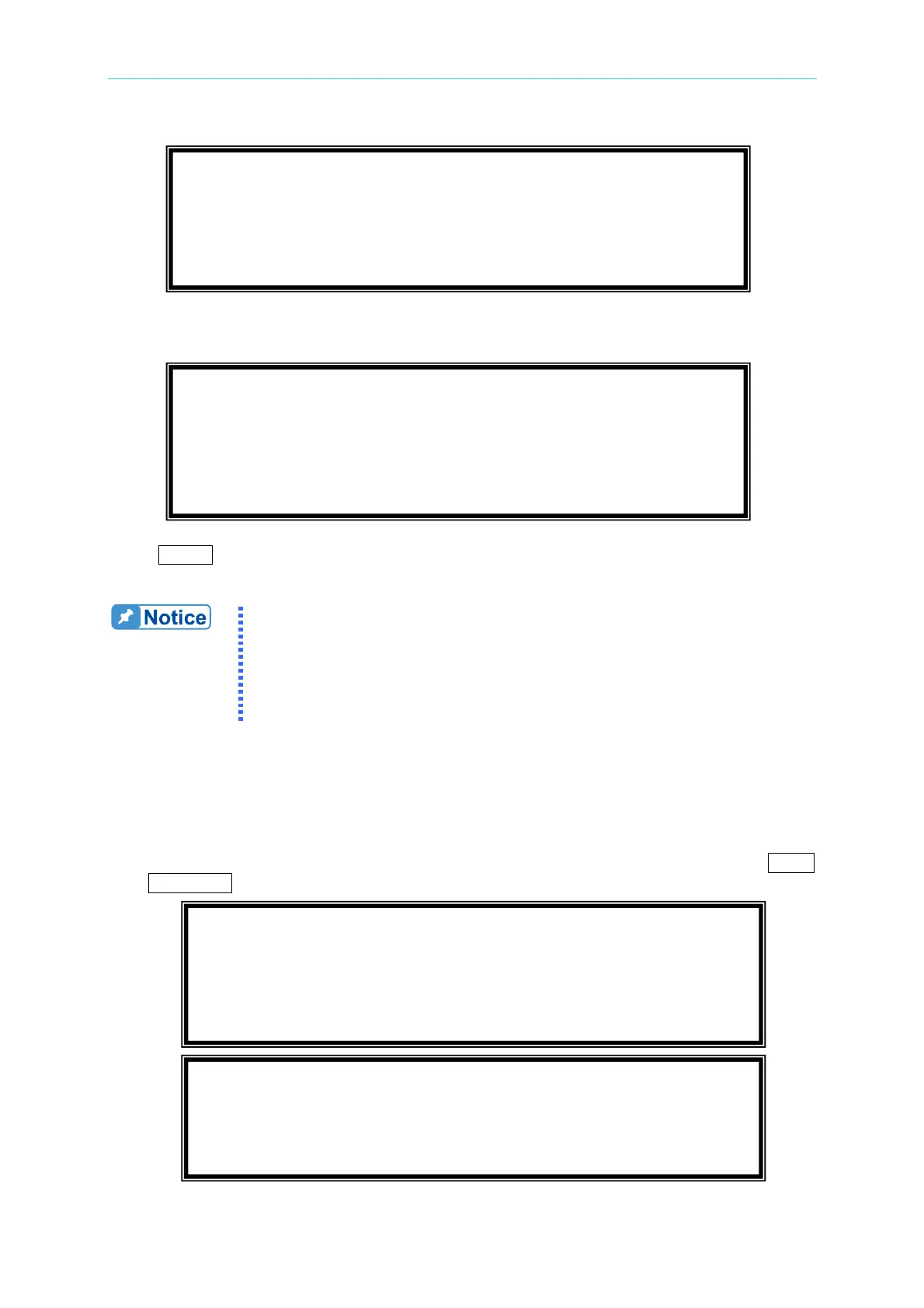
If the recalling settings are output of RANGE or over the V LIMIT (see 3.5.2, 3.5.3), the
display will show the following:
Press
ENTER to return to recall page. Check if the settings violating the RANGE or V
LIMIT.
1. Saving and recalling output settings are acted for MAIN PAGE
setting only, the other parameters are ignored.
2. In different couple mode of output (see 3.7.1), the lack of settings
will be regul
ar to Vac=0V, F=60Hz, Vdc=0V automatically. For
example, in DC output mode, Vac=0V, F=60Hz, Vdc is the setting
value in MAIN PAGE as running the SAVE function.
3.8.2 Save and Recall System Data
The AC source offers three memory groups for the user to save system data and to recall
them for later use. The system data includes all parameters in function list like SETUP (see
3.5), CONF (see 3.6) and OUTPUT (see 3.7). In the CHOICE PAGE (see 3.4), press
SHIFT,
then PAGE/EXIT, to run the SAVE function. The displays are shown as below.
Vac = 120.0_ F = 60.00 Vdc = 0.00 H
V
= 0.00 F = 0.00 I = 0.00 S
P
= 0.0 PF = 0.000 CF = 0.00 T
Save all parameters to Group ( 1 - 3 ) : 1_
Conflicting with RANGE or V LIMIT
<ENTER> to Exit
PAGE CHOICE = 1_
1. SETUP 2.CONF 3.OUTPUT 4. MANUAL CALI
5.
LIST 6. PULSE 7.
STEP
8. HAR 9.
SYN
10. INTERHAR



 To Next Page