Installation
2-5
1. The user can do diagnosis if error or NG happens in power-on
self-test procedure. Please see 7.2.
2.
The inner digital circuit of AC source maybe not reset if turn off
power then turn on immediately. Waiting more than 3 seconds is
suggested to turn on power after turning off.
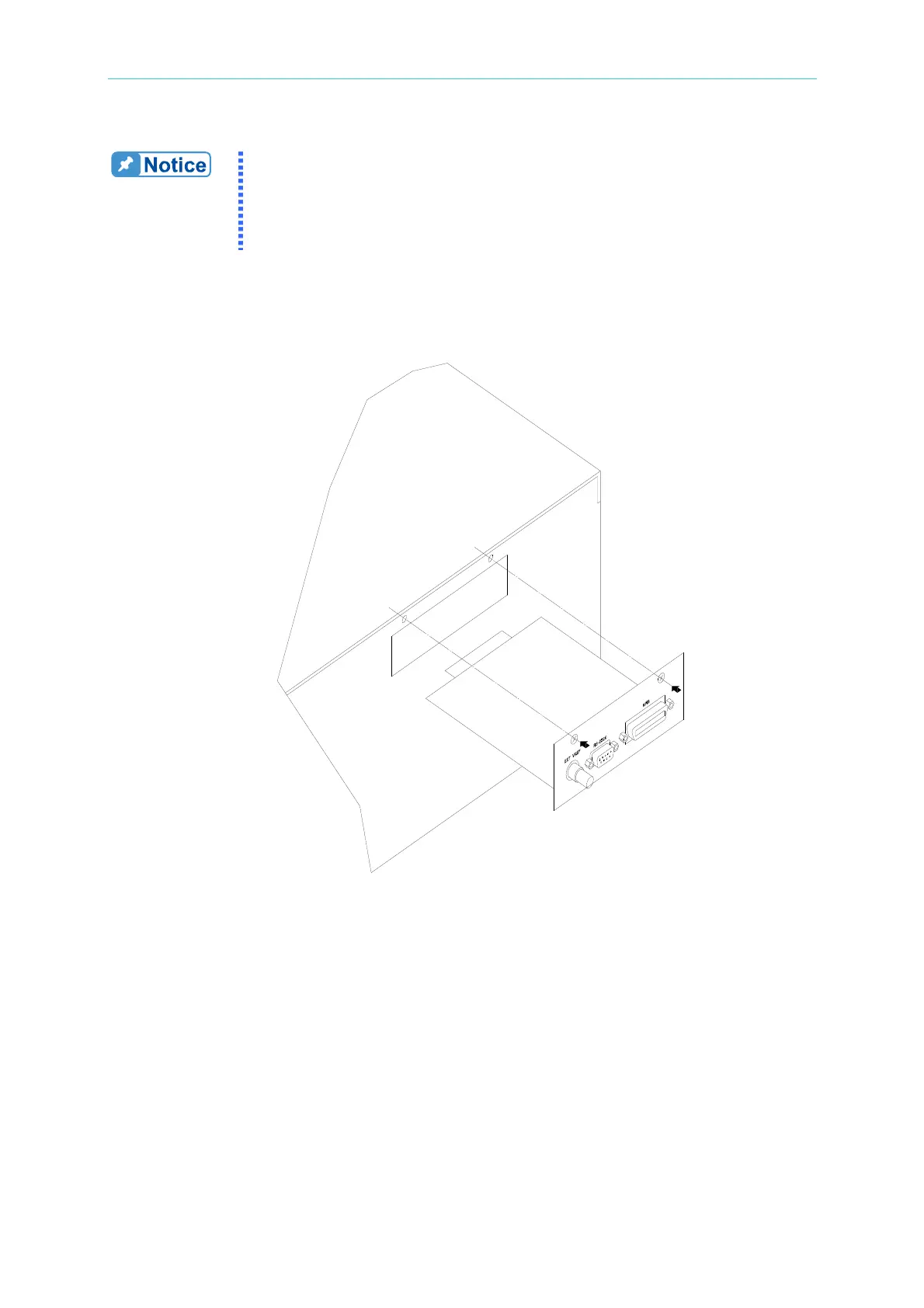
2.7 I/O Connectors (Option)
Figure 2-4 Option Board



 To Next Page