Calibration
4-5
In above step E of V OUT AND MEAS. ACCURACY CALI., the user should not turn on the
load. Press
ENTER, then check the output voltage measured by DVM is about 30VAC.
This step is just to make sure the connection is correctly.
Then go to next step F. Press
ENTER, check the output voltage measured by DVM is about
300VAC. Keyin the exact value measured by DVM, then press ENTER .
Step F is the final step of V OUT AND MEAS. ACCURACY CALI. Press
PAGE/EXIT to exit
that page. Then display will show as below. Press ENTER to save the calibration results.
1. Users can press
PAGE/EXIT to exit to the calibration choice page at
every step.
2. See the above display, if press
PAGE/EXIT not to save the result,
the result of calibration still works, until turn the power off.
4.2.2 Current Measurement Calibration
Users can enter CALIBRATION CHOICE page after pressing password, see 4.2. Then,
press
2 , ENTER, to do the current measurement calibration.
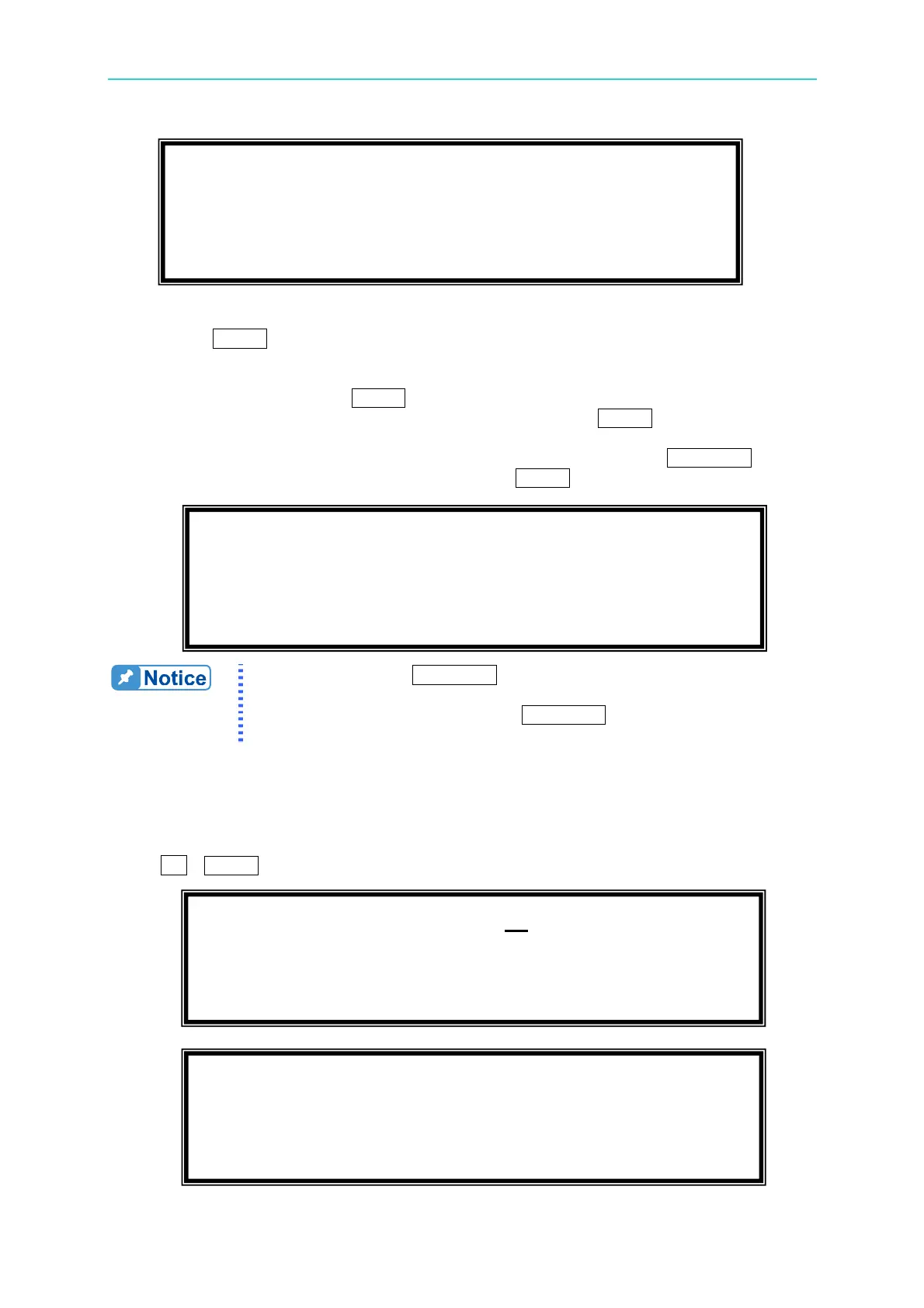
1. V OUT AND MEAS. ACCURACY CALI 300V RNG
E. ( ENTER ) THEN CHECK OUTPUT IS 30VAC
F. ( ENTER ) THEN KEYIN DVM MEAS. 300VAC
0.00_ VAC S
Press ( ENTER ) to save .
Press ( PAGE/EXIT ) not to save .
CALIBRATION CHOICE = 2
1. V OUT AND MEAS. 2. I MEAS.
3. EXT Vref.
Please Remove Load Before Calibrating !
Press <ENTER> to start



 To Next Page