Programmable AC Source 61501/61502/61503/61504 User’s Manual
3-20
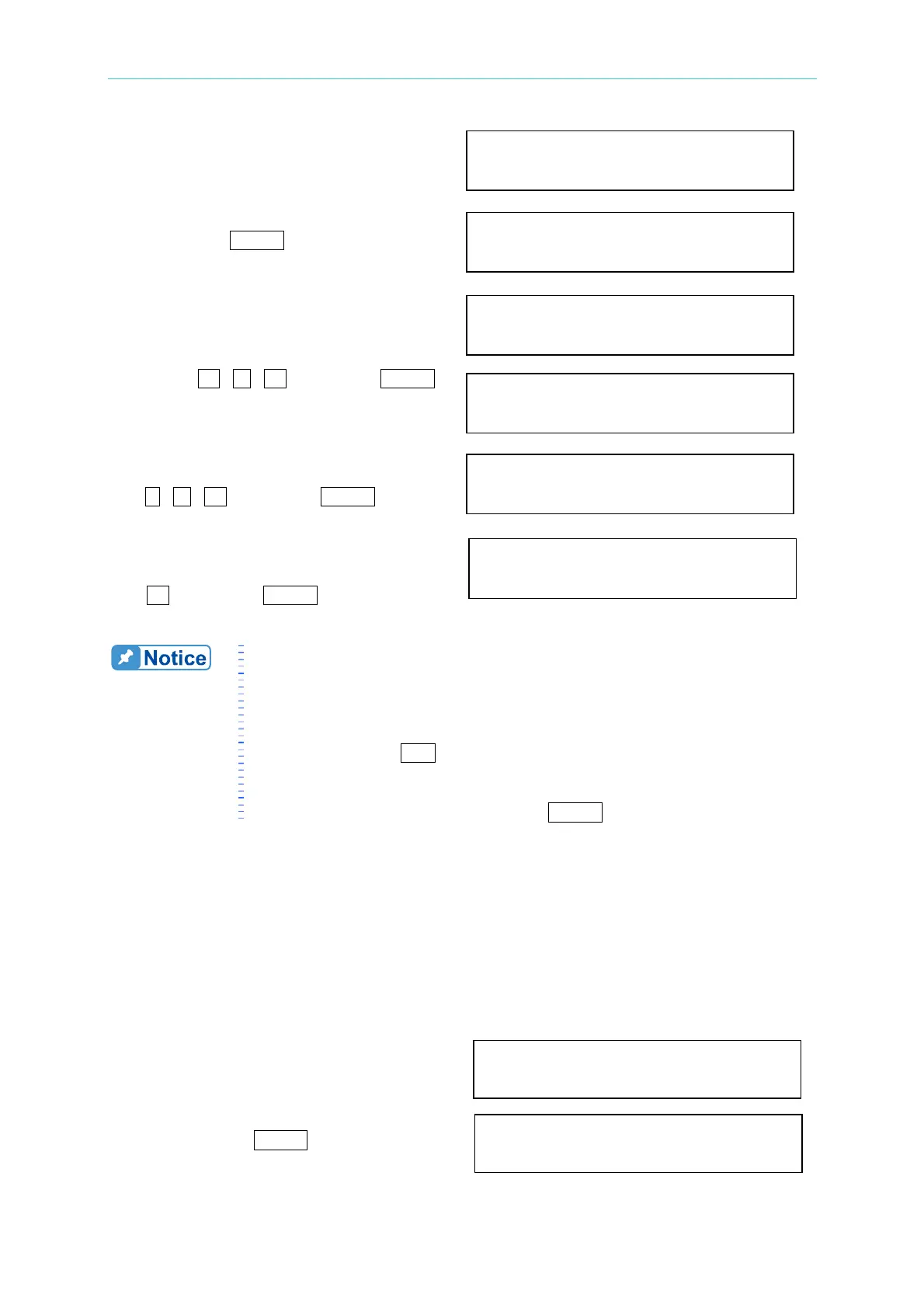
1. Move the cursor to the command line of
“ON_S/R = ”.
2. Turn RPG to set the output to ON and
then press
ENTER .
3. Move the cursor to the command line of
“Vs (V/ms) = ”.
4. Press 0 , . , 2 , then press ENTER
to change the value to “0.2”.
5. The cursor moves to the command line
of “Fs (Hz/ms)=” automatically. Press
0
, . , 1 , then press ENTER .
6. The cursor moves to the command line
of “DCs (V/ms)=” automatically. Press
1 , then press ENTER.
1. When user set Vs (V/ms)=0, Fs (Hz/ms)=0, DCs (V/ms)=0, the
output transient is in the fastest speed.
2. Vs, Fs DCs have large input range in software programming, but the
output can not exactly follow the slew rate when Vs, DCs are too
large.
3. When user run
OUT of AC source, the output will follow the setting
to final state. But when user run QUIT, the output will vary to 0 V
immediately. If user want to quit the output with the setting slew
rate, he must keyin 0 V then press
ENTER .
3.7.5 HIGH VOLTAGE OPTION
For special request, a new 600 Vac option will be added to the Range column in SETUP
Function for setting when connected to A615003 fixture. Please be noted that only when
work with the A615003 fixture can 600Vac be outputted; or the output voltage is 1/2 of the
setting.
The procedures of setting high voltage option:
1. Move the cursor to “HIGH VOLTAGE HIGH VOLTAGE OPTION= NONE
OPTION ” command line.
2. Turn RPG from “NONE” to “A615003 ”
and then press
ENTER . HIGH VOLTAGE OPTION= A615003
ON_S/R=OFF
ON_S/R=ON
Vs (V/ms) = 0.000_
Vs (V/ms) = 0.200
Fs (Hz/ms) = 0.100
DCs (V/ms) = 1.000_



 To Next Page