Application
5-11
execute harmonics measurement when the load is stable, and not
change load when measuring. Or the calculated data may lose
accuracy even over-current protection may happen.
5.6 Synthesize Waveform
On CHOICE PAGE (see 3.4), press 9 then ENTER, choose the SYN functional list.
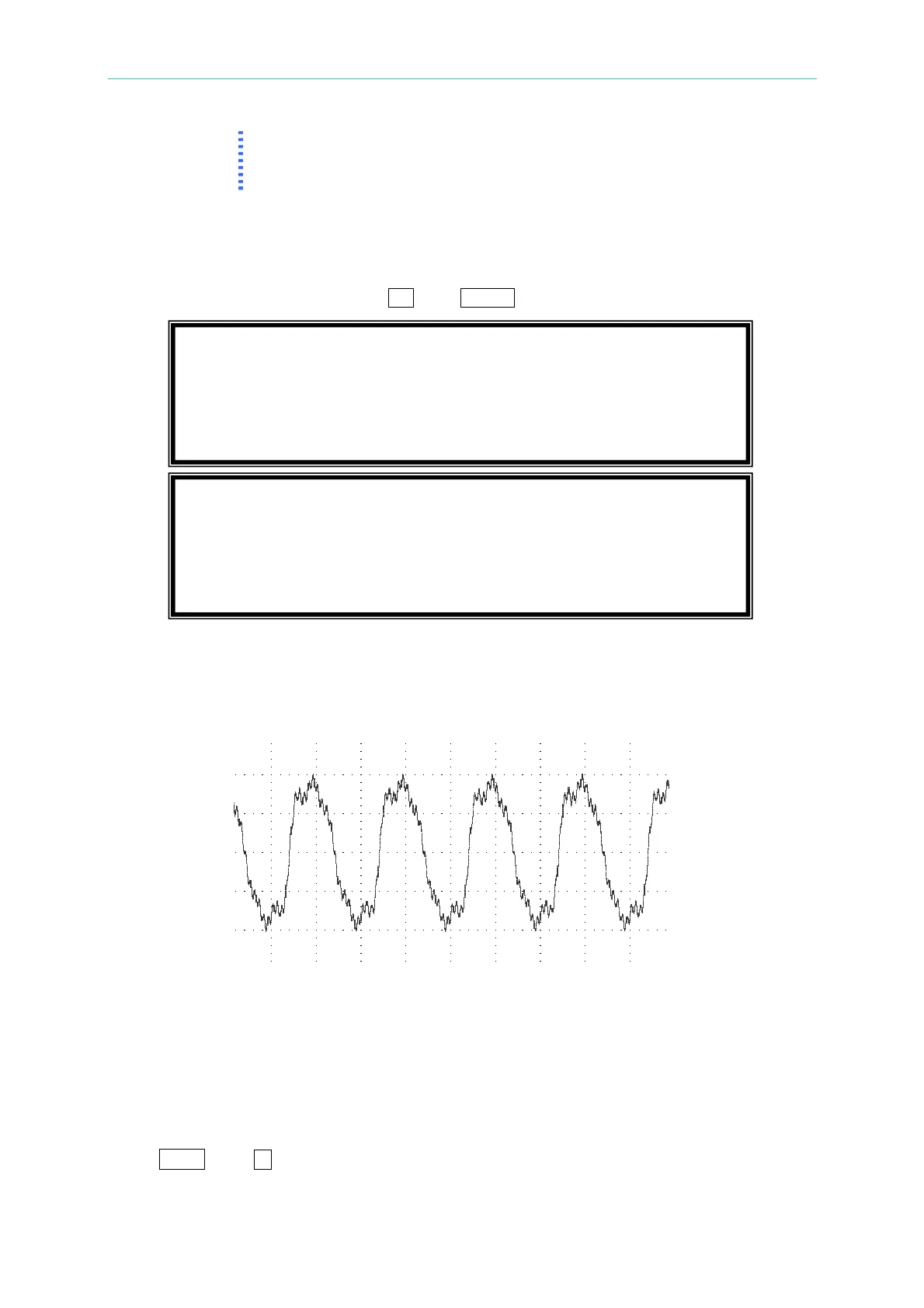
The 61500 series AC Source offers SYN function to synthesize waveform with harmonic
composition up to 40 orders. The fundamental frequency is restricted to 50Hz or 60Hz.
Users can easy program the magnitude and phase of each order in LCD display. The
following figure is an example.
COMPOSE = VALUE-1 / VALUE-2 / PERCENT-1 / PERCENT-2:
the
data form of each
harmonic order. VALUE: the absolute value. PERCENT: the percentage of fundamental
voltage.
Users totally can program 4 kinds of synthesized waveforms to execute.
Vac_fund:
the fundamental voltage. The maximum value is limited by RANGE (see 3.5.1).
F_fund = 50 / 60Hz:
the fundamental frequency.
Vdc:
the DC voltage adds to voltage waveform.
DEGREE:
the start angle of output waveform.
Press
SHIFT
, then
to next page to program the harmonic composition and its phase angle
(the range of each phase angle is from 0.0 to 359.9).
PAGE CHOICE = 9_
1. SETUP 2.CONF 3.OUTPUT 4. MANUAL CALI
5.
LIST 6. PULSE 7.
STEP
8. HAR 9.
SYN
10. INTERHAR
COMPOSE=VALUE-1 [ SYN ]
Vac_fund = 0.0 F_fund = 60Hz
Vdc = 0.0 DEGREE = 0.0
<SHIFT><ENTER> to Execute T



 To Next Page